
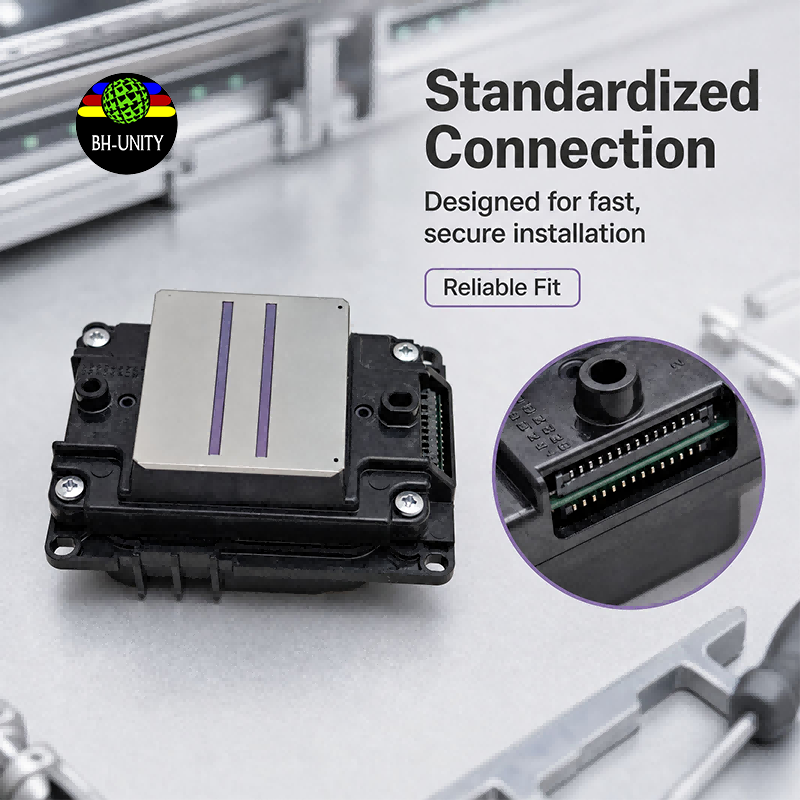
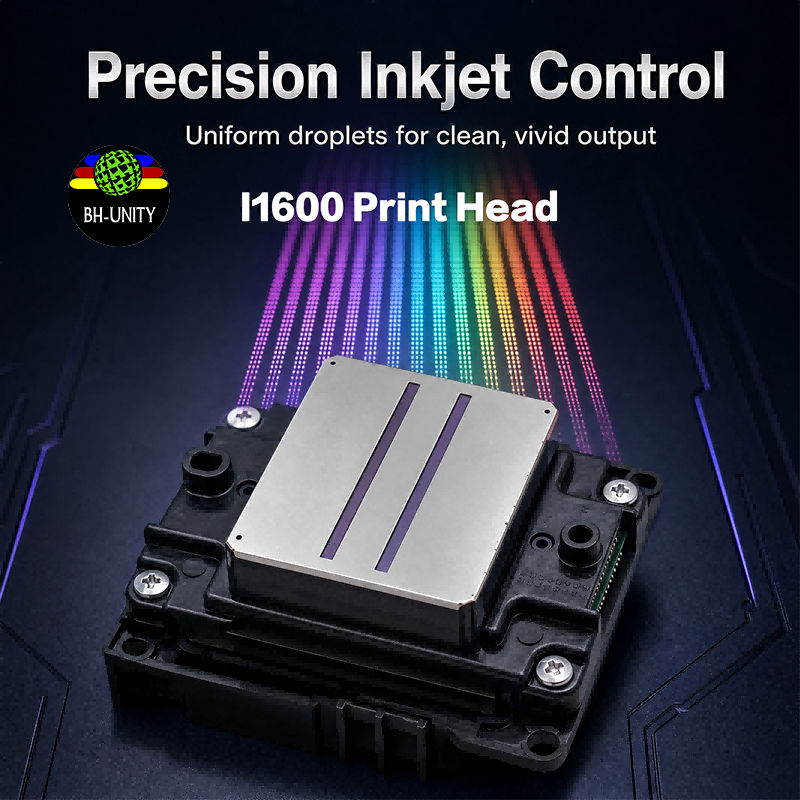
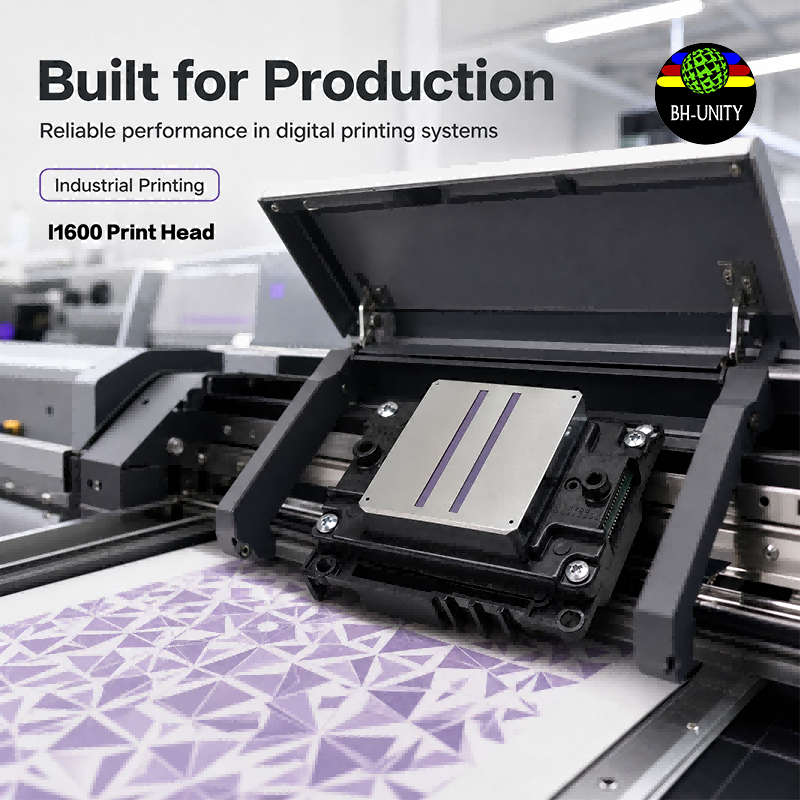
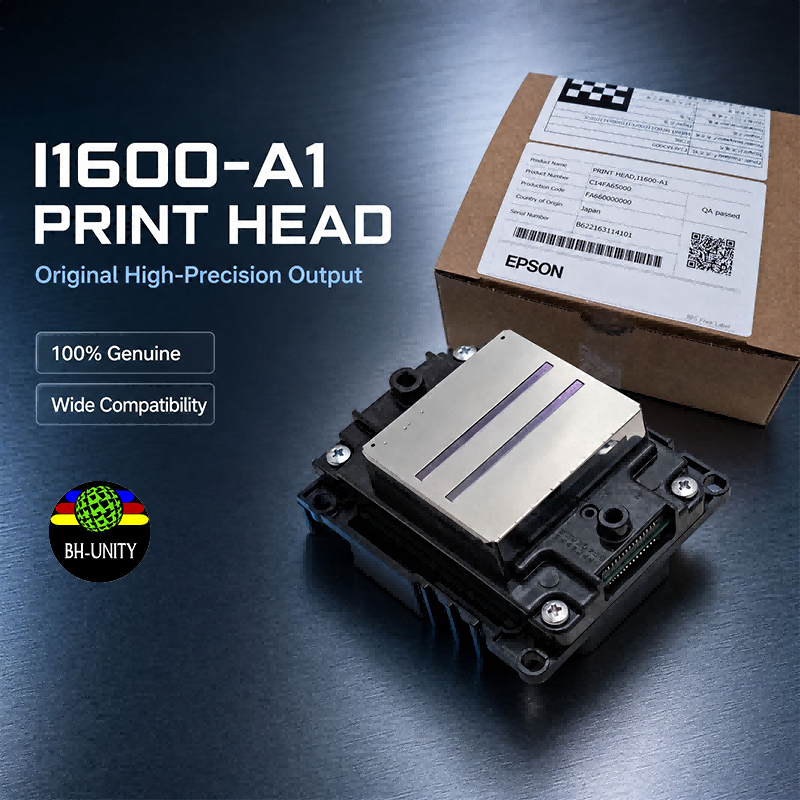
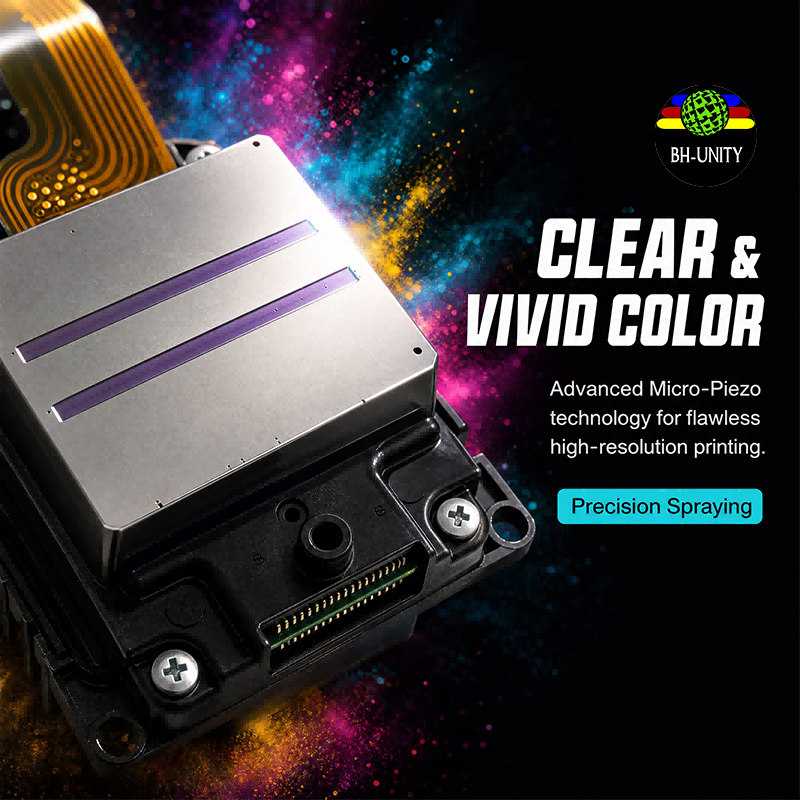
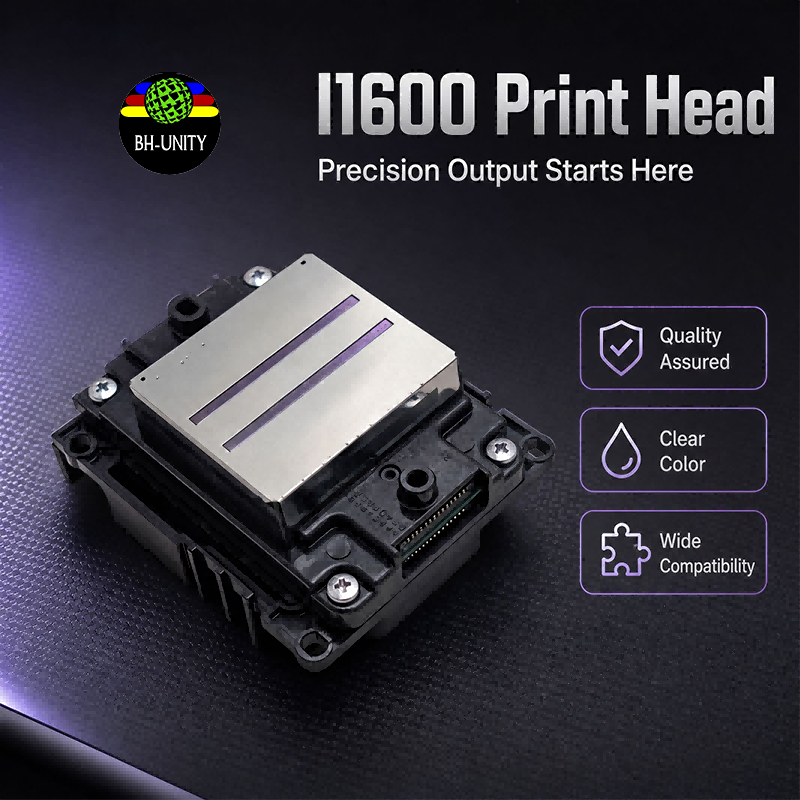
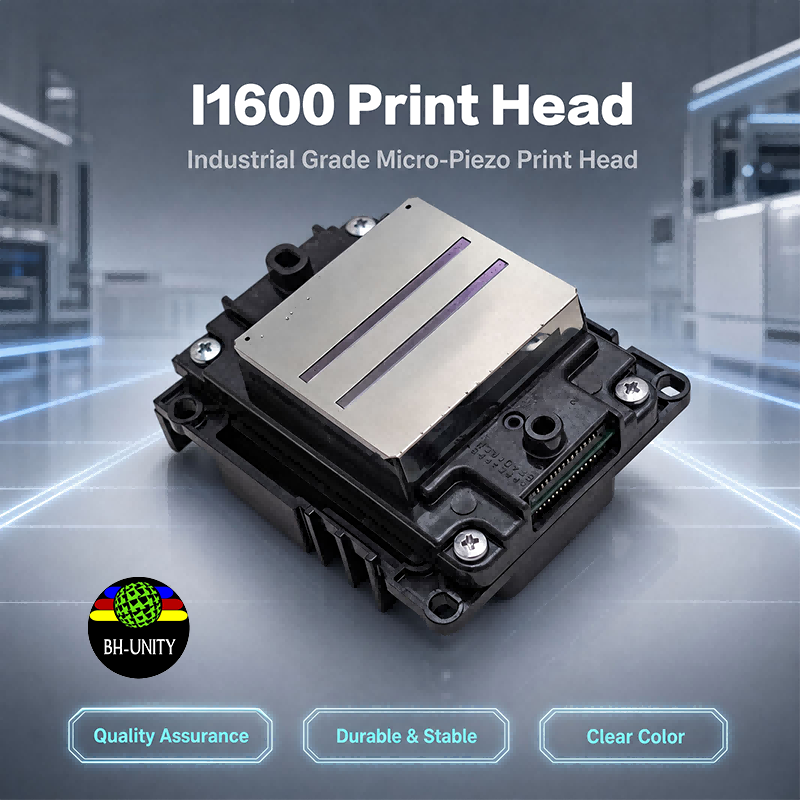
I1600 Print Head | Variable Drop Size Piezoelectric Inkjet, 720×2800 DPI Precision Output
Brand XBH
Product origin CHINA
Micro piezo technology delivers variable droplet sizing for smooth gradients and sharp detail in a single pass. Large drops for solid coverage, small drops for fine edges. Consistent channel-to-channel drop volume eliminates banding on wide-format output. Ideal for photographic, fine art, and detailed graphics applications.
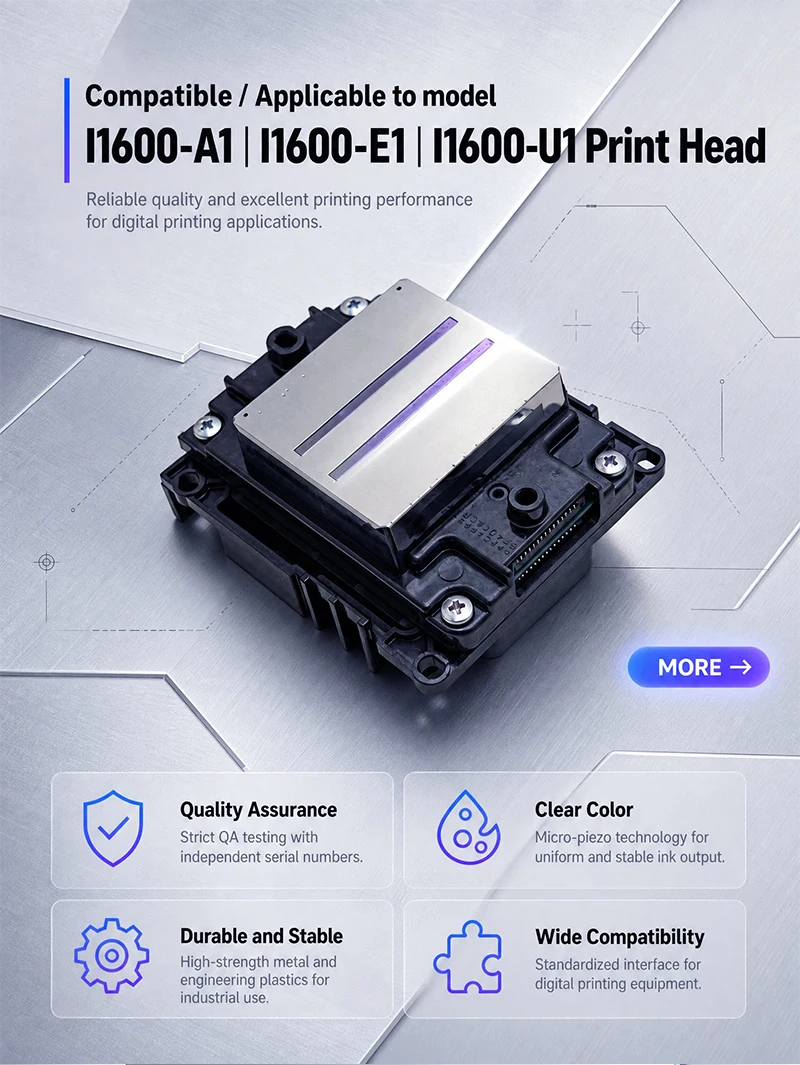

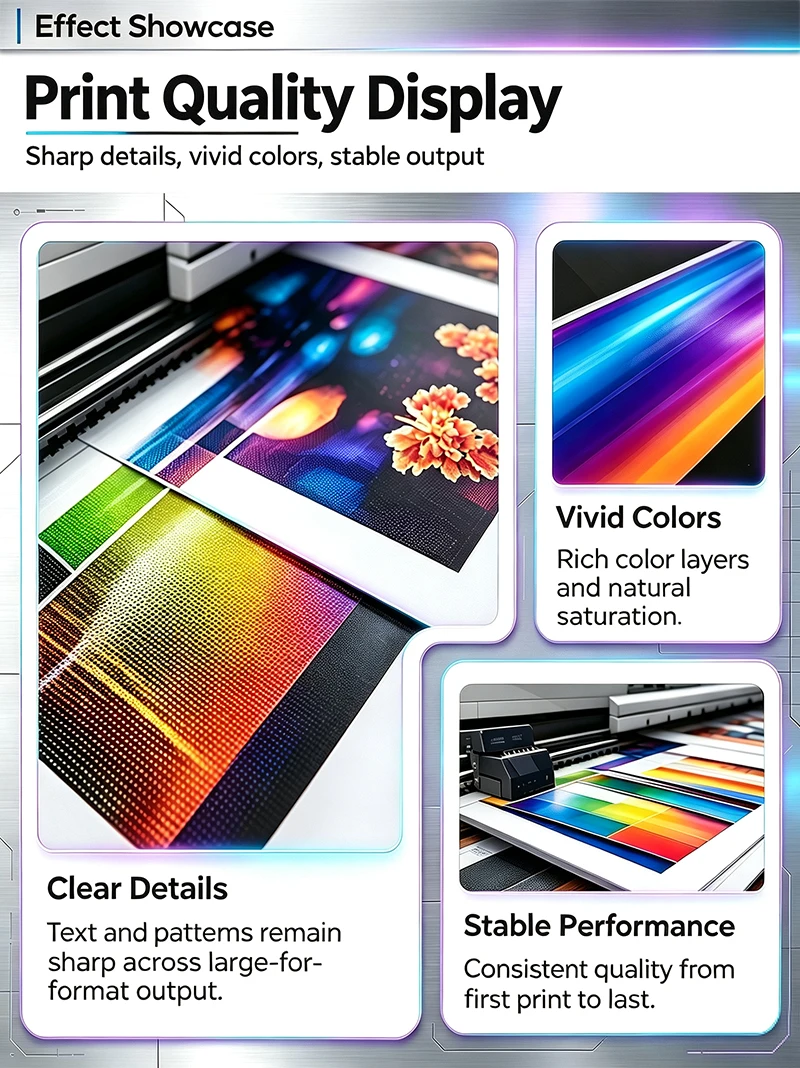
Q: What droplet volume does the I1600 actually produce? A: Variable drop sizing within its rated range — larger drops for solid color coverage, smaller drops for sharp edge detail. The RIP software determines which drop size fires at each nozzle position based on image density. This variable-drop approach means you don't switch resolution modes manually; the head handles it automatically per pass.
Q: Does variable drop sizing slow down the print speed? A: No. Drop selection happens at electronic speed during the firing sequence — the carriage travels at the same rate regardless of which drop size is selected per nozzle. Speed loss comes from mechanical carriage movement and drying time, not from electronic drop selection logic.
Q: What causes satellite droplets, and does the I1600 avoid them? A: Satellite drops form when the tail of ejected ink separates poorly from the main droplet, leaving tiny secondary dots on the media. Precision chamber geometry and matched nozzle velocity in the I1600 reduce this to near-zero under normal operating conditions. Visible satellites usually indicate degraded ink viscosity or a contaminated nozzle plate.
Q: How consistent is drop volume across the nozzle array? A: Factory-calibrated within tight channel-to-channel tolerances. This is why large-format output doesn't show visible banding from uneven droplet weight — every channel ejects essentially the same volume. Over months of use, as individual nozzles age, minor variation appears, which is when a nozzle check reveals which channels need attention.
Q: Can I adjust droplet size myself through the printer software? A: The RIP controls drop sizing automatically based on the image data. You don't manually set drop volume per channel. Color profiles and print mode settings govern the range of drop sizes used. Advanced operators can tune profiles, but default settings work for most jobs.
Q: What's the minimum dot size achievable for fine line work? A: The smallest drop setting produces sharp edges on thin lines and small text. The practical limit depends on your specific media and ink combination — test prints at highest detail mode show what your setup can actually achieve. On coated media with quality ink, fine 4pt text stays legible.