
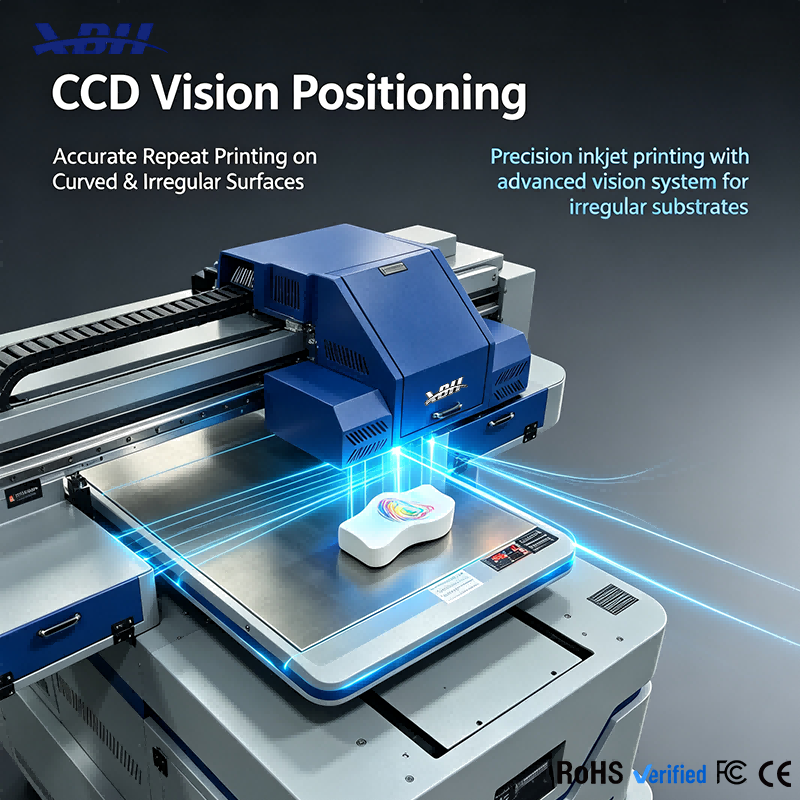
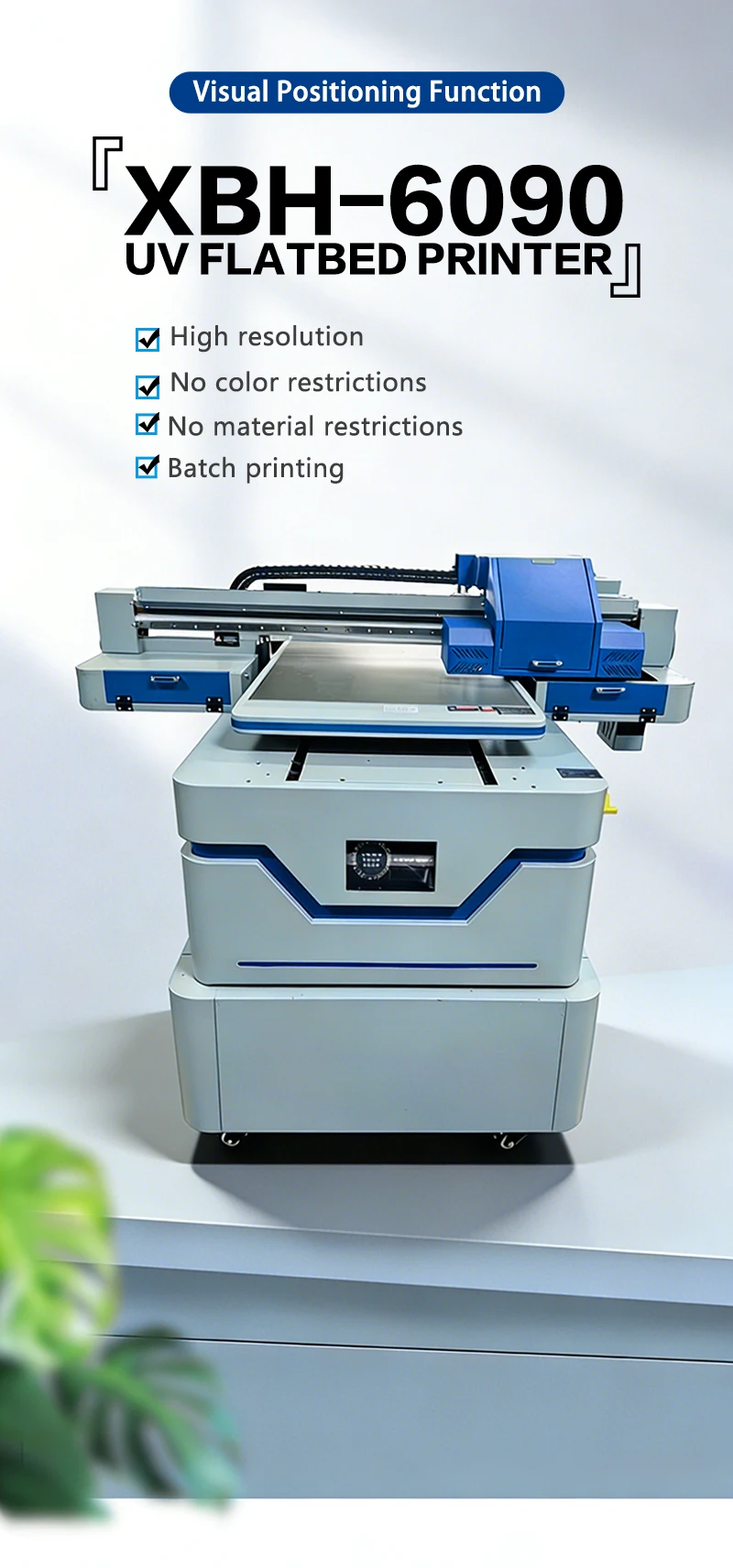
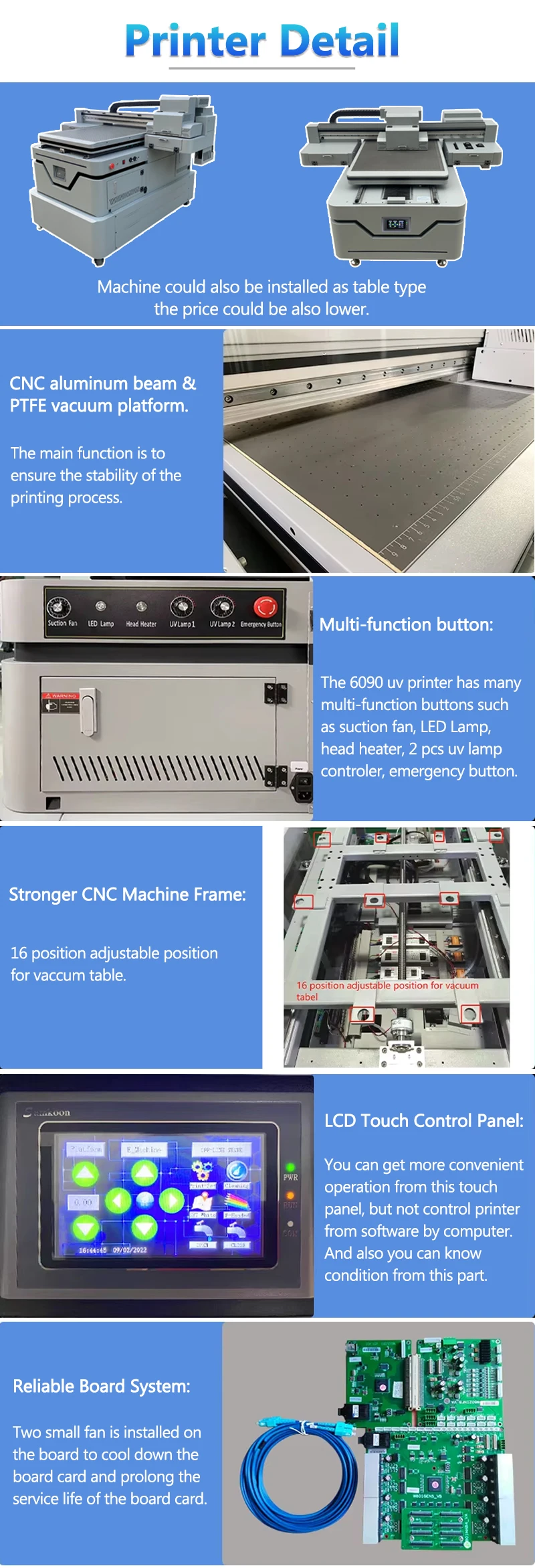
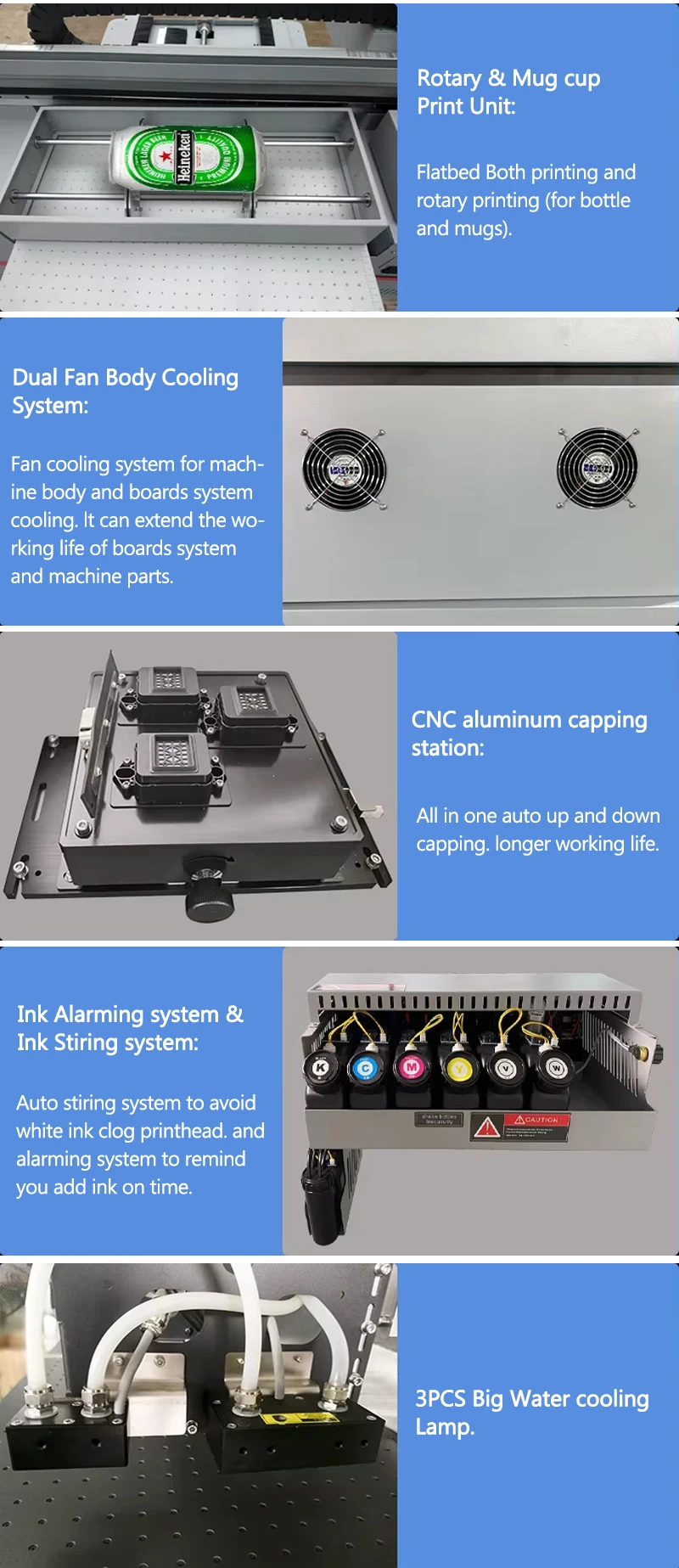
XBH-6090 UV Flatbed Printer - Touch Screen Control with Material Presets
Brand XBH
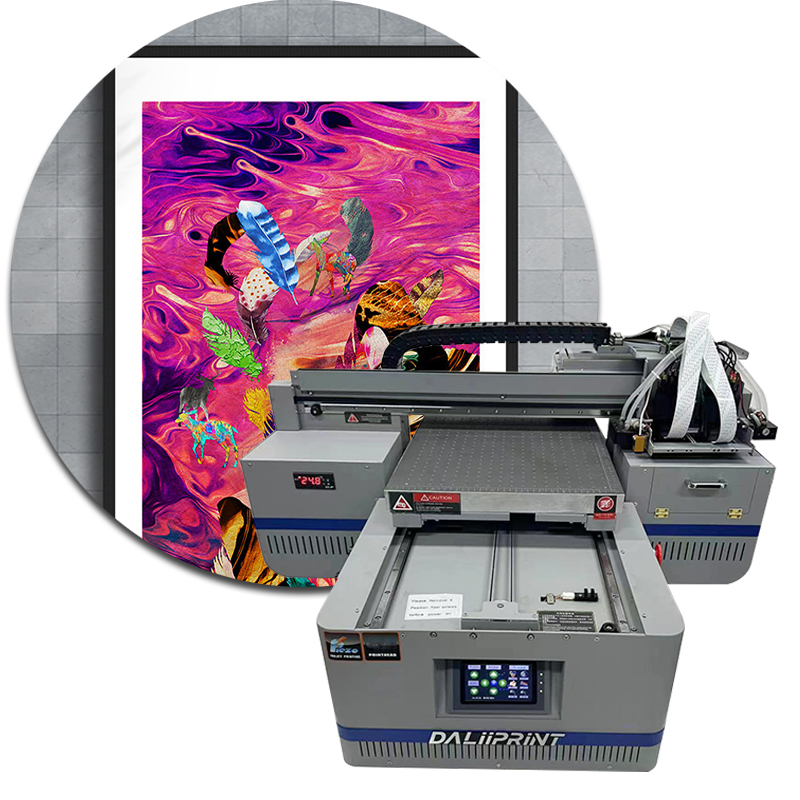
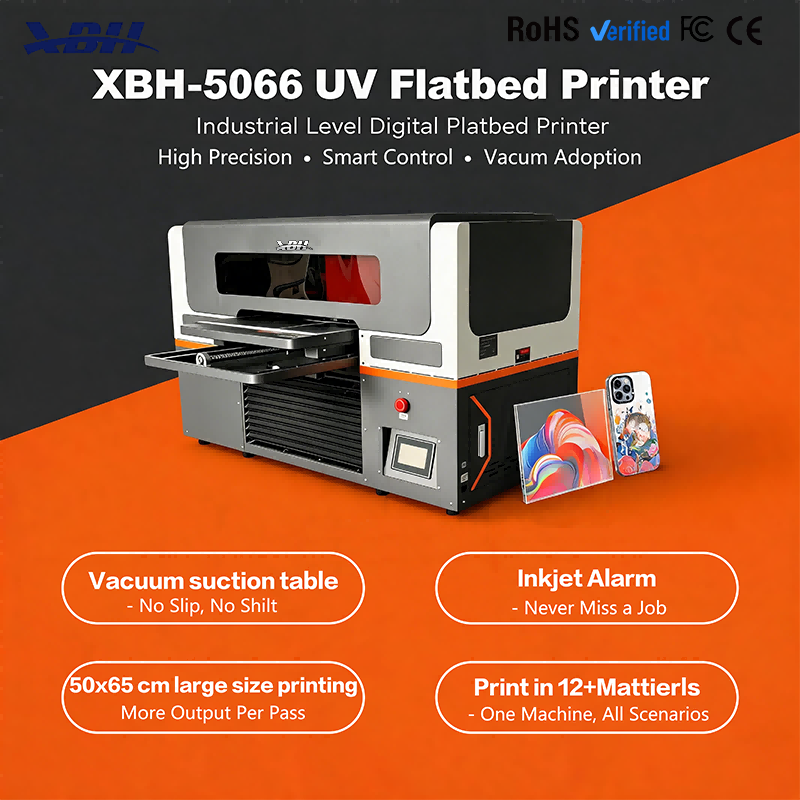
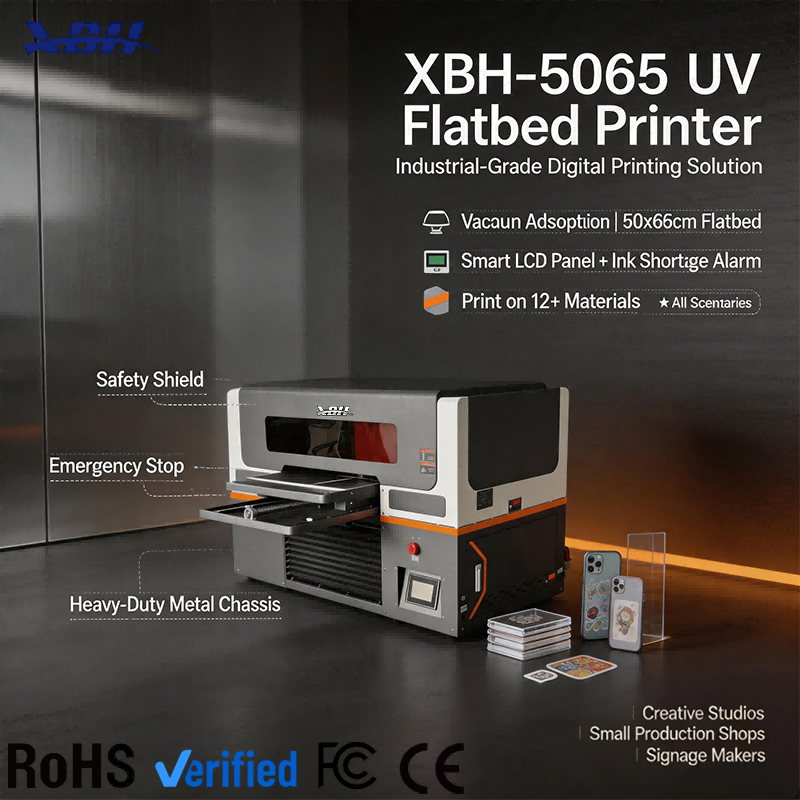
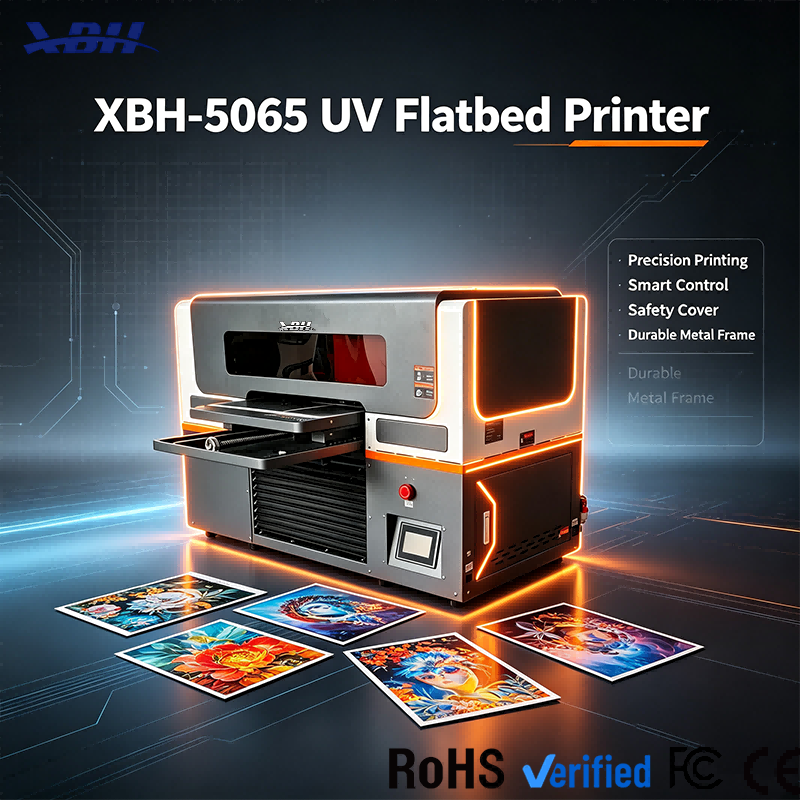
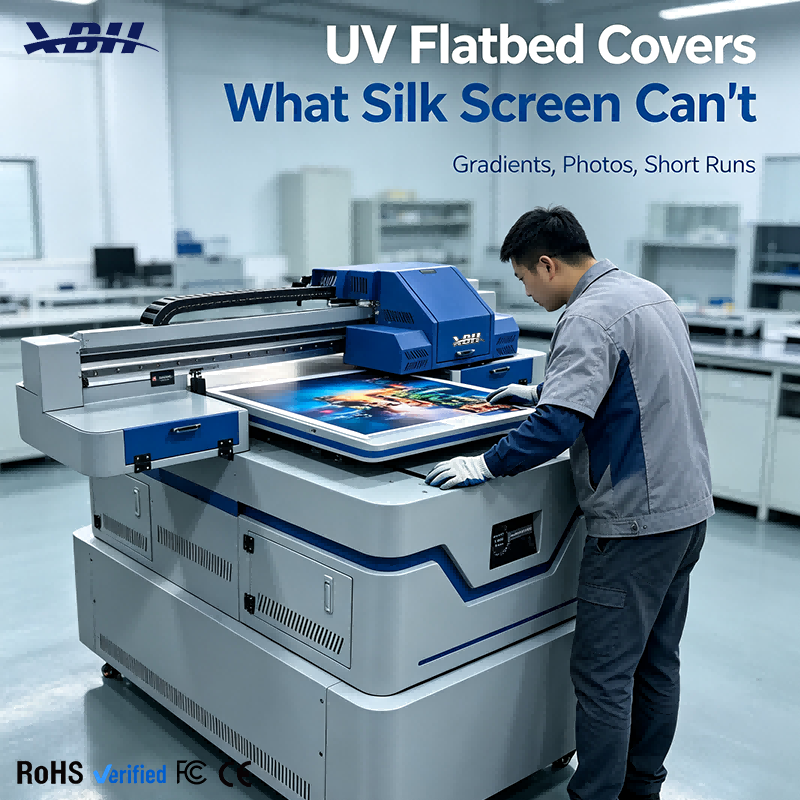
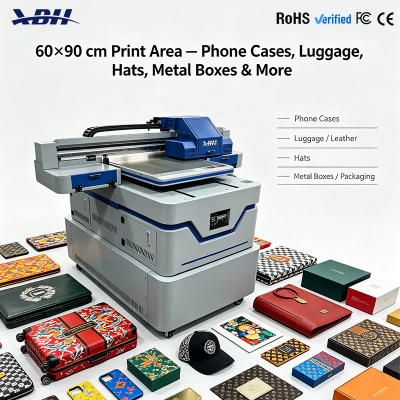
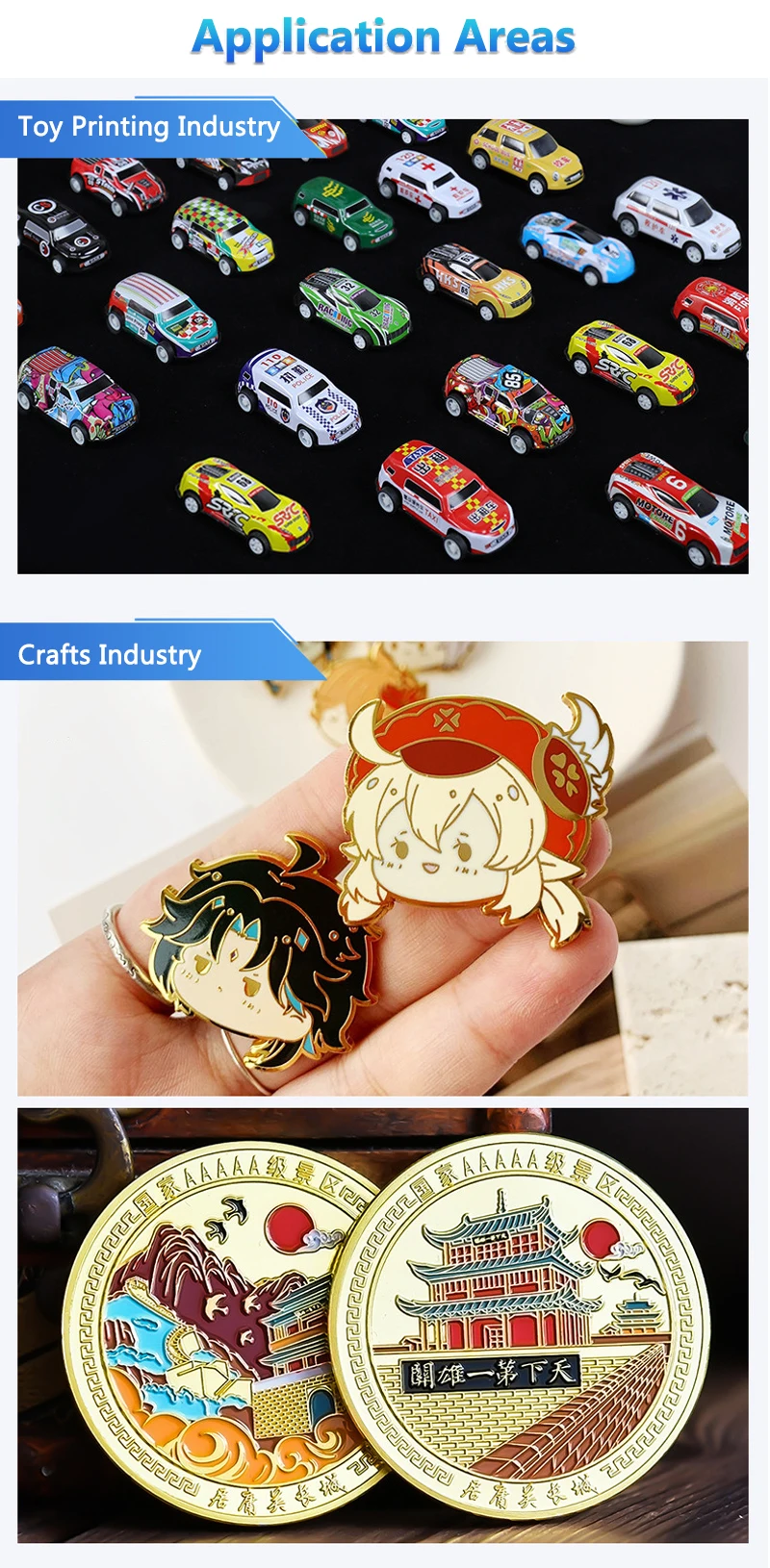
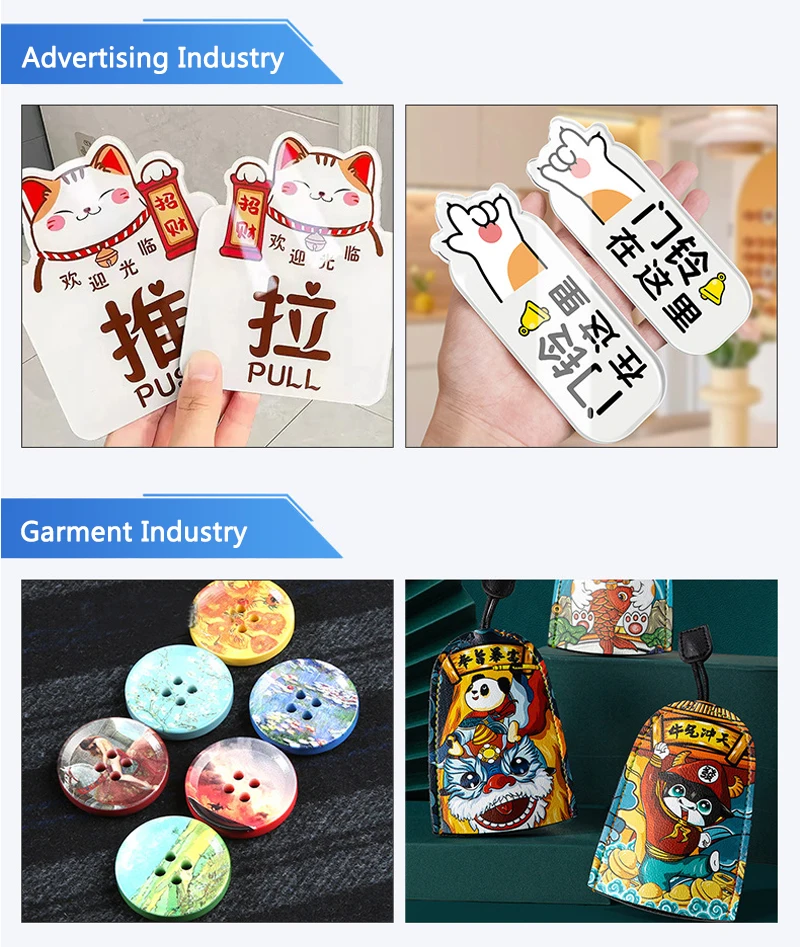
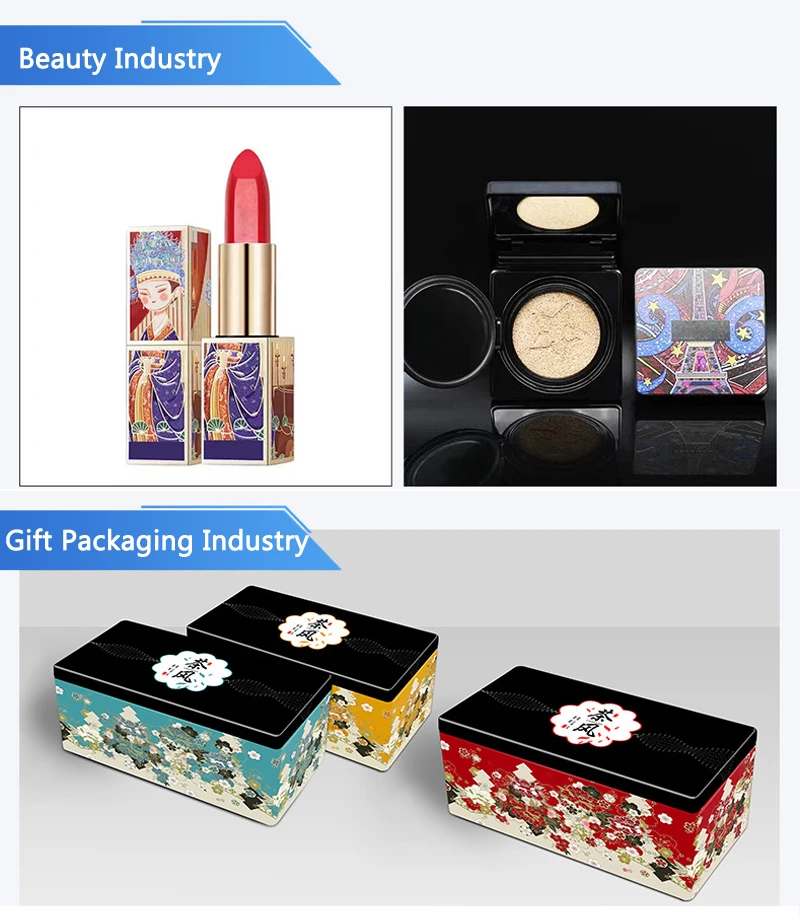
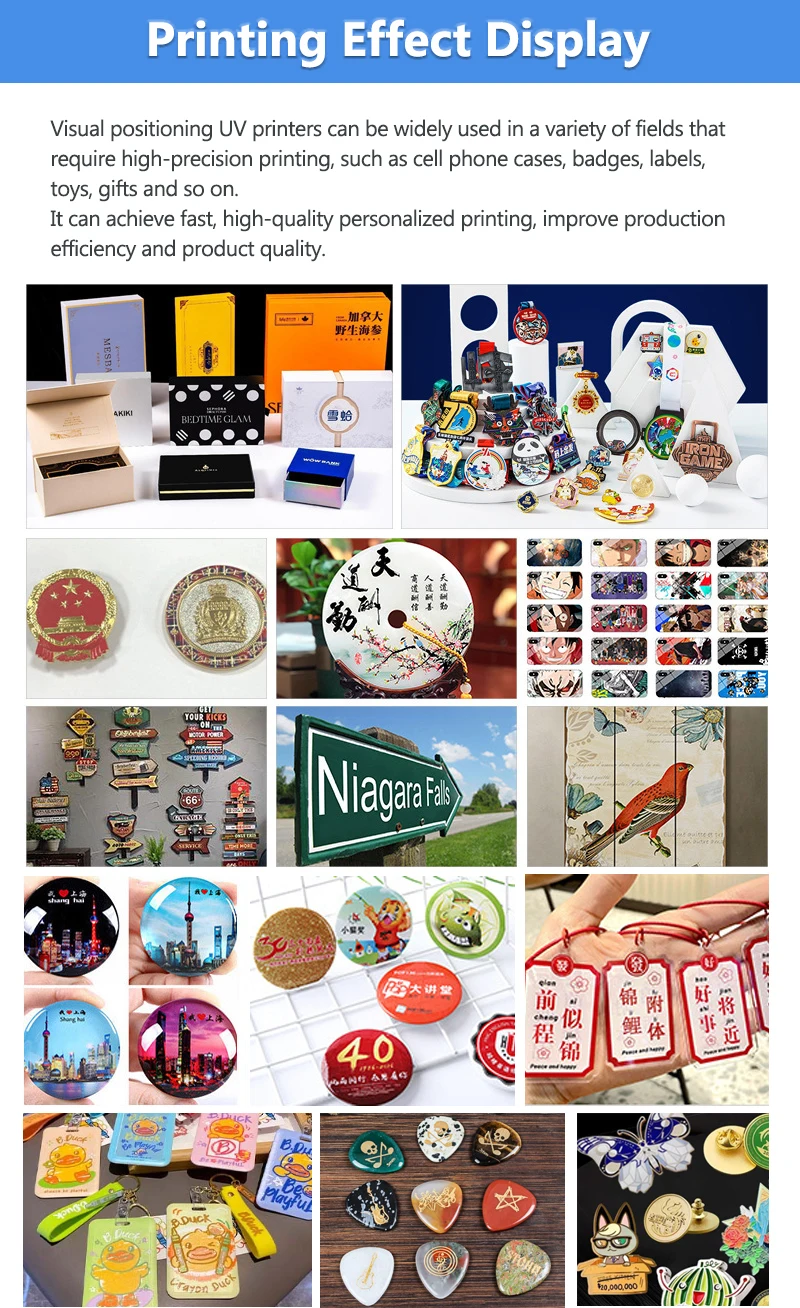
Intuitive touch screen control with built-in material presets for glass, leather, wood, metal, acrylic and more. Select your material, load your file, and print. No complex parameter tuning needed — the machine handles the settings so you can focus on production.


Q: How does the touch screen interface work in daily operation?
A: The touch screen is your main control panel for the machine. Use it to select print modes, adjust settings, monitor print progress and access maintenance functions. The interface is designed to be straightforward — no complicated button combinations or nested menus to dig through. Most operators get comfortable with the touch screen within their first day of use. It's the kind of interface that feels familiar if you've used any modern touch device, with clear icons and logical menu structure.
Q: What are material presets, and how do they help?
A: Material presets are pre-configured print settings optimized for specific substrates. The machine comes with presets for common materials like glass, leather, wood, metal, acrylic and plastic. Select a preset, and the machine automatically adjusts print speed, ink density, curing power and other parameters to match that material. You don't have to figure out optimal settings through trial and error. Pick the material you're printing on, and the machine knows how to print it well. This is especially helpful for new operators who haven't yet developed an intuition for different materials.
Q: Can I save my own custom settings for future use?
A: Yes. If you find a setting combination that works perfectly for a specific material or product type, save it as a custom preset and recall it anytime. This is especially useful for businesses that print the same products repeatedly — dial in perfect settings once, save them, and every future run is consistent. New operators can use your saved presets without needing to understand all the underlying parameters. You can build a library of custom profiles for all your common products, making production faster and more consistent.
Q: How much technical knowledge do I need to operate this machine?
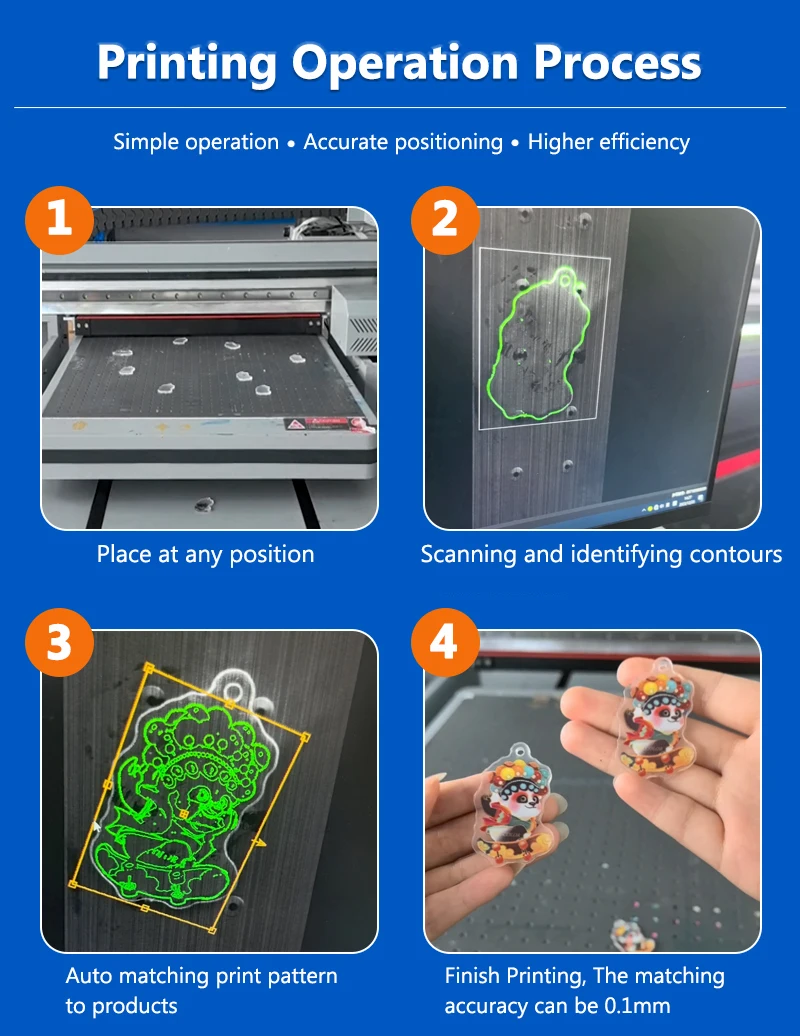
A: Not much for basic operation. If you can use a computer and a touch screen, you can learn to run this printer. Material presets handle most of the technical decisions. Your main jobs are preparing the design file, placing material correctly on the bed, selecting the right preset, and pressing print. There's more to learn as you go — color management, advanced settings, maintenance — but you can start producing good results without being a technician. The learning curve is gentle, and most operators are running production confidently within their first week.