
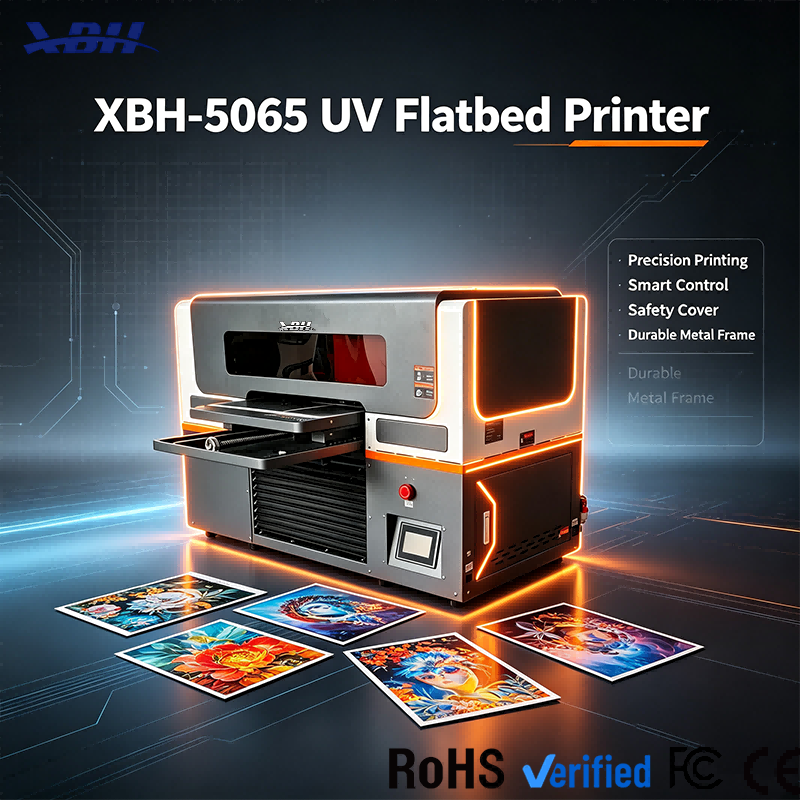
XBH-5065 UV Flatbed Printer - Safety Shield Emergency Stop & Safe Maintenance Door
Brand XBH
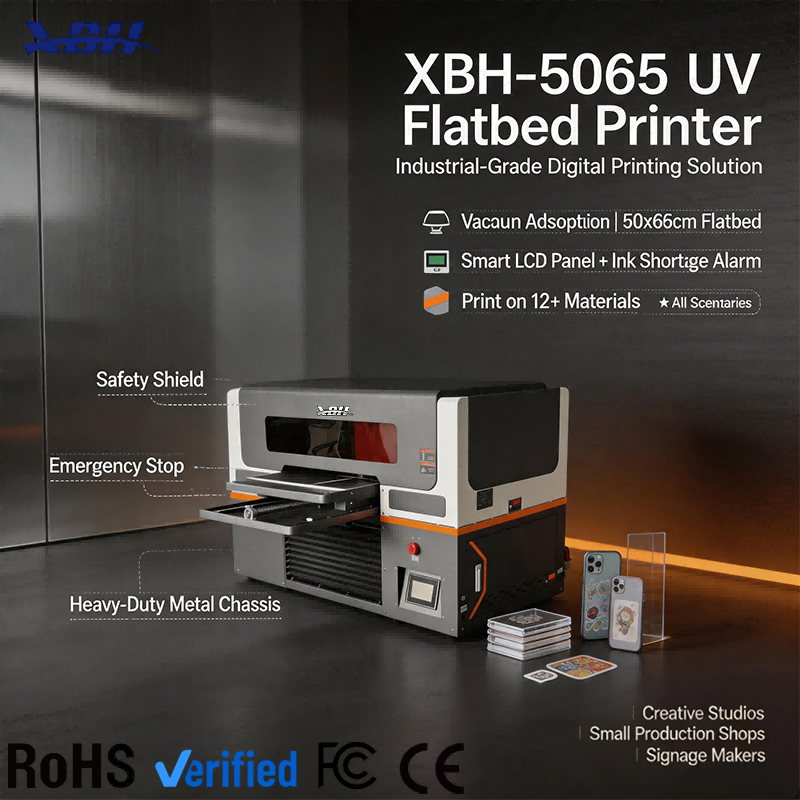
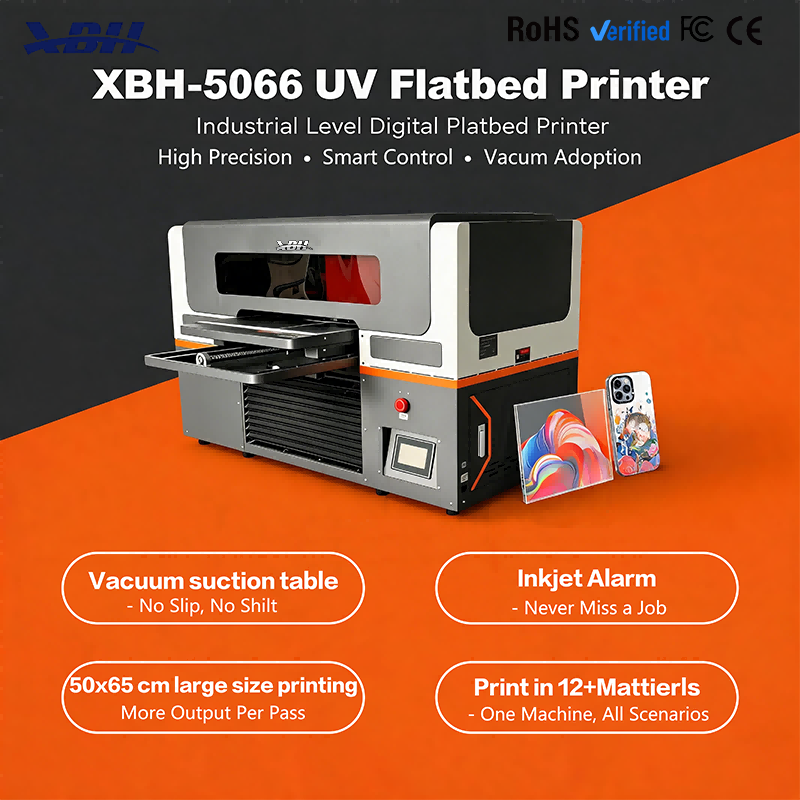
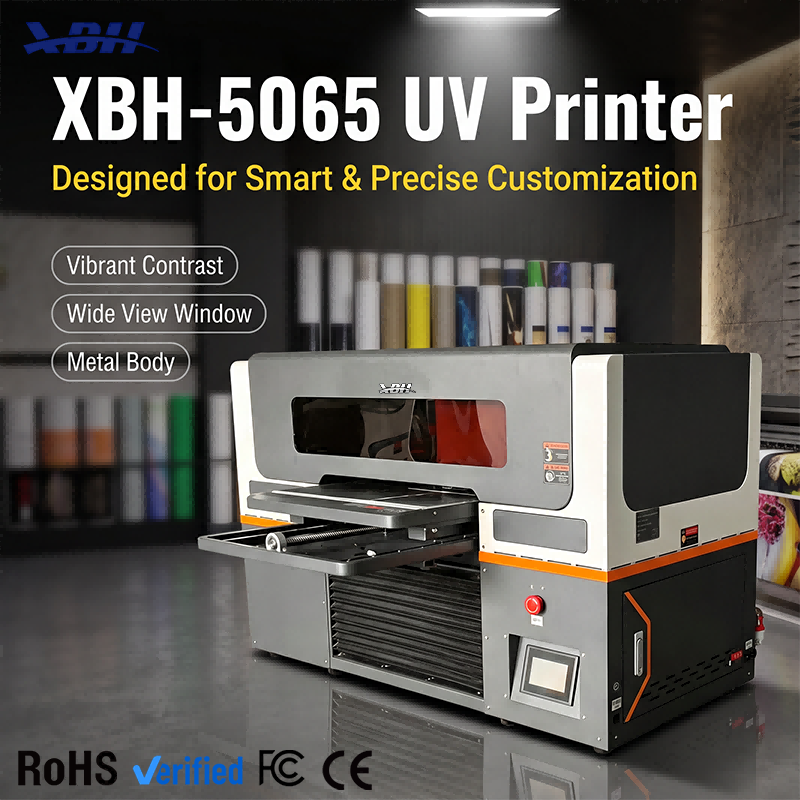
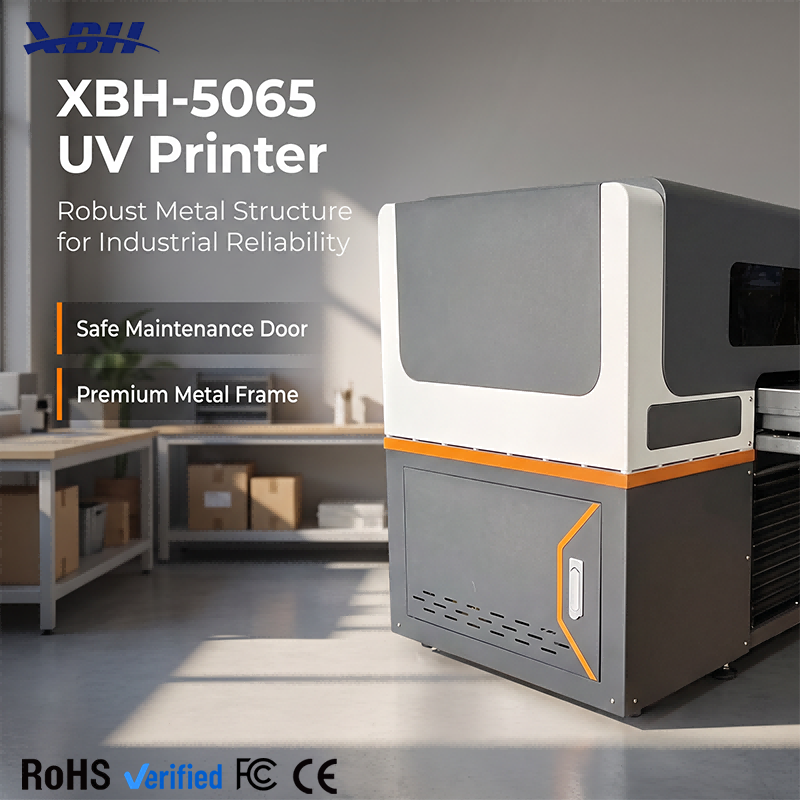
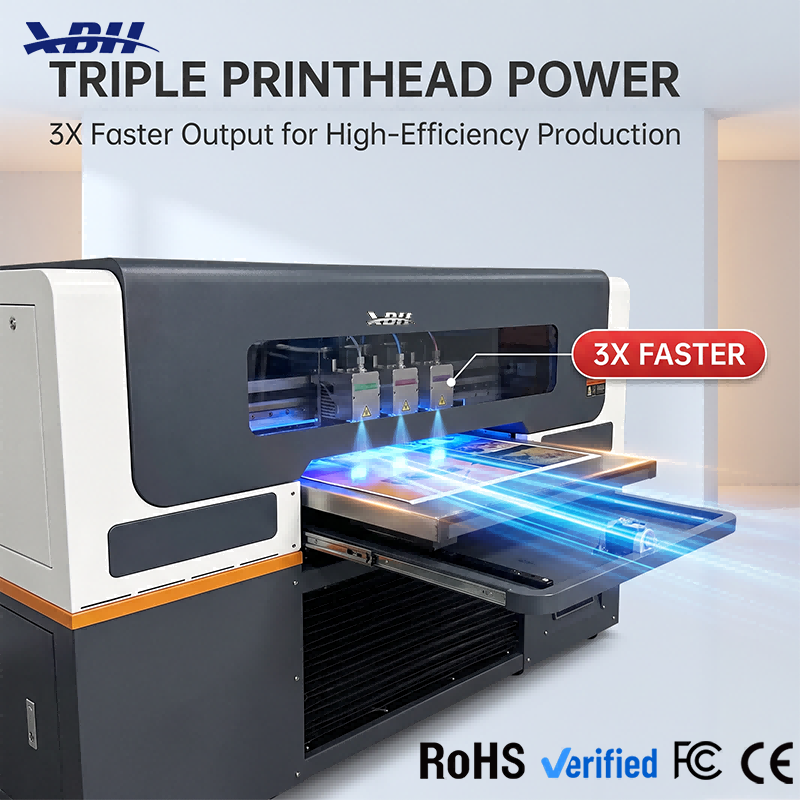
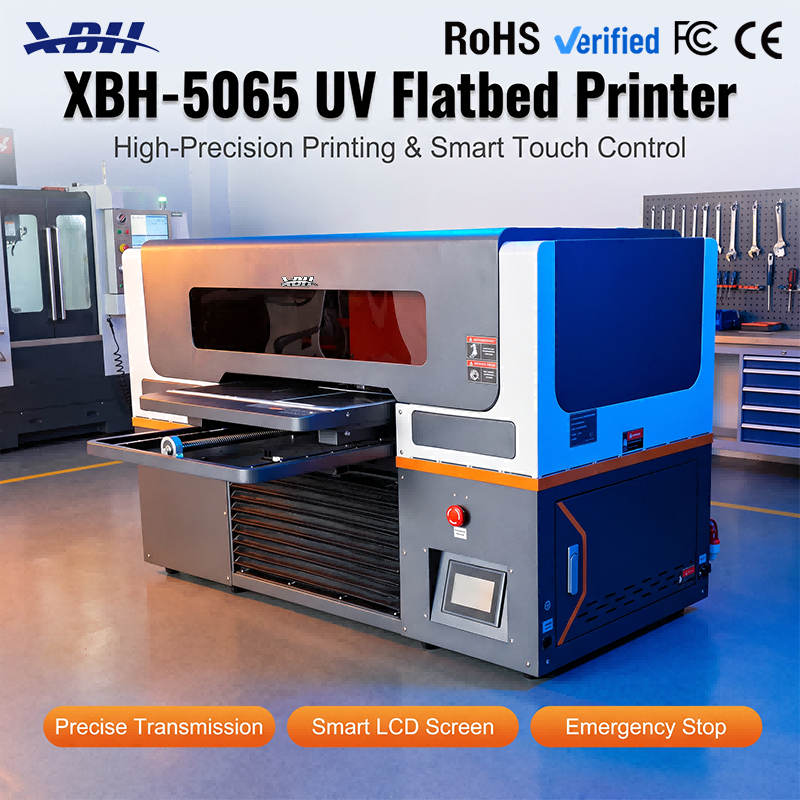
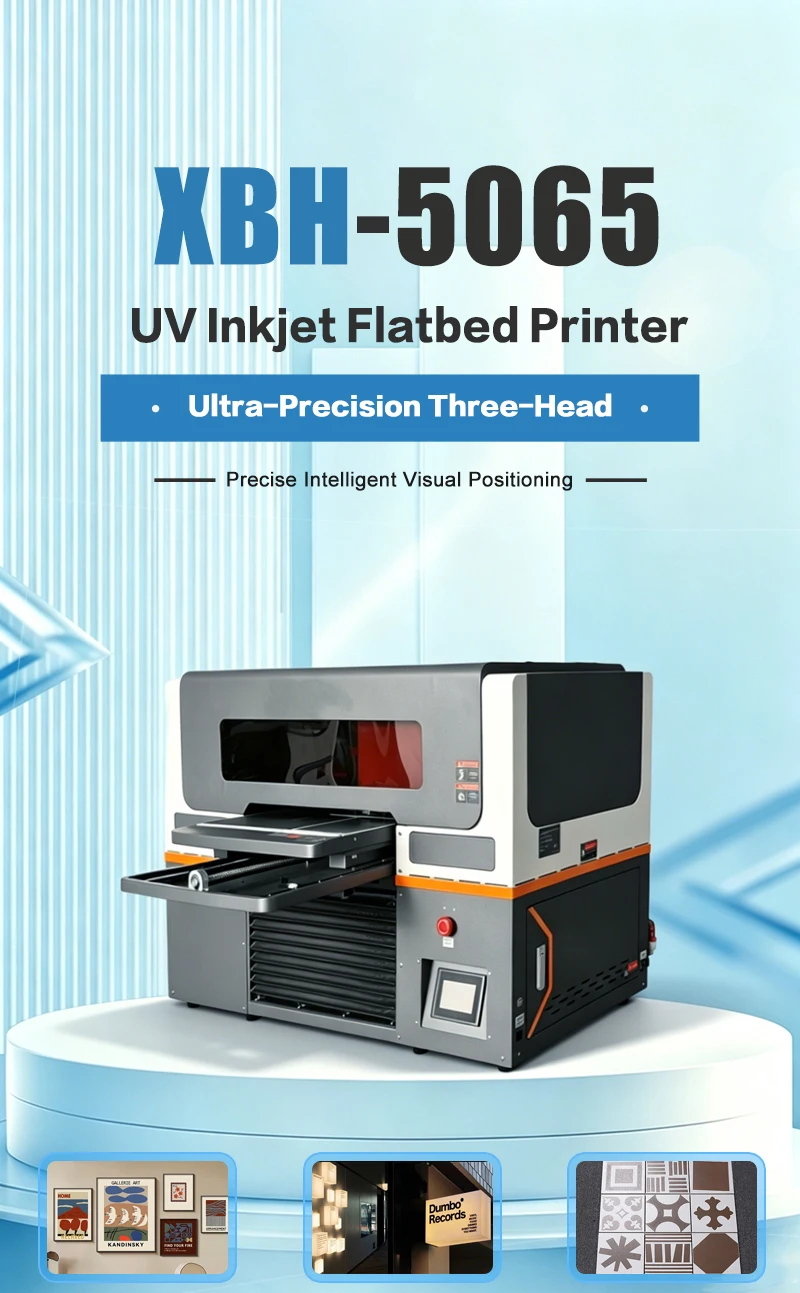
XBH-5065 designed with comprehensive safety features: safety shield to contain UV light during printing, emergency stop button for immediate shutdown, and safe maintenance door for controlled access. Protects operators and creates a safer working environment.





Q: What does the safety shield do?
A: The safety shield is a protective cover that encloses the printing area during operation. UV curing lamps emit ultraviolet light, and direct exposure to UV light can be harmful to eyes and skin. The safety shield contains that UV light within the machine, so operators working nearby aren't exposed. The shield also has a wide view window that lets you see the printing process in progress without opening the cover. You can monitor the job, check print quality and watch for any issues, all while the UV light stays safely contained. The shield is designed to be both protective and practical — it keeps you safe without making it hard to see what's happening inside.
Q: How does the emergency stop button work?
A: The emergency stop is a prominent, easily accessible button on the front of the machine. When you press it, the machine immediately stops all motion and printing — the printhead stops, the bed stops, the UV lamps turn off. It's designed for situations where something is wrong and you need to shut down instantly: if a material gets caught, if you see smoke or smell something burning, if something unexpected happens during printing. The button is large and red, so it's easy to find even in a stressful situation. After pressing emergency stop, you resolve the issue, reset the button, and the machine is ready to go again. It's a critical safety feature that every operator should know how to use.
Q: What is the safe maintenance door for?
A: The maintenance door gives you controlled access to the internal components — the printhead, capping station, ink system — when you need to perform cleaning or maintenance. Instead of removing large panels or exposing the entire interior, you open the maintenance door and reach only the area you need to work on. This is safer because it limits your exposure to moving parts and UV components. The door is also designed so that the machine won't run while it's open — an interlock system prevents printing when the door is ajar, so you can't accidentally start a job while your hand is inside. This is an important safety feature that protects operators during routine maintenance work.
Q: Are there other safety considerations for operating this machine?
A: Yes, basic safe operation practices apply. Keep the work area clean and free of clutter, especially around the emergency stop button so it's always accessible. Don't override safety interlocks or bypass the safety shield — they're there for your protection. Make sure the machine is on a stable, level surface so it doesn't shift during operation. Keep the area around the machine well-ventilated, as UV printing can produce some fumes. Train every operator on the safety features before they use the machine — especially the emergency stop location and the proper procedure for opening the maintenance door. With proper training and respect for the safety features, this is a safe machine to operate in a production environment.