
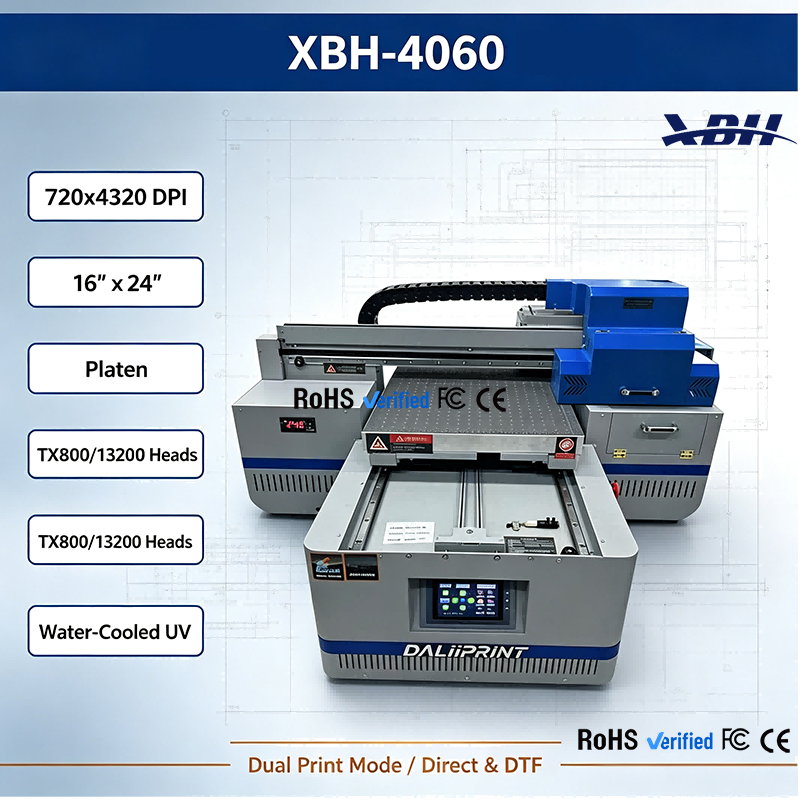
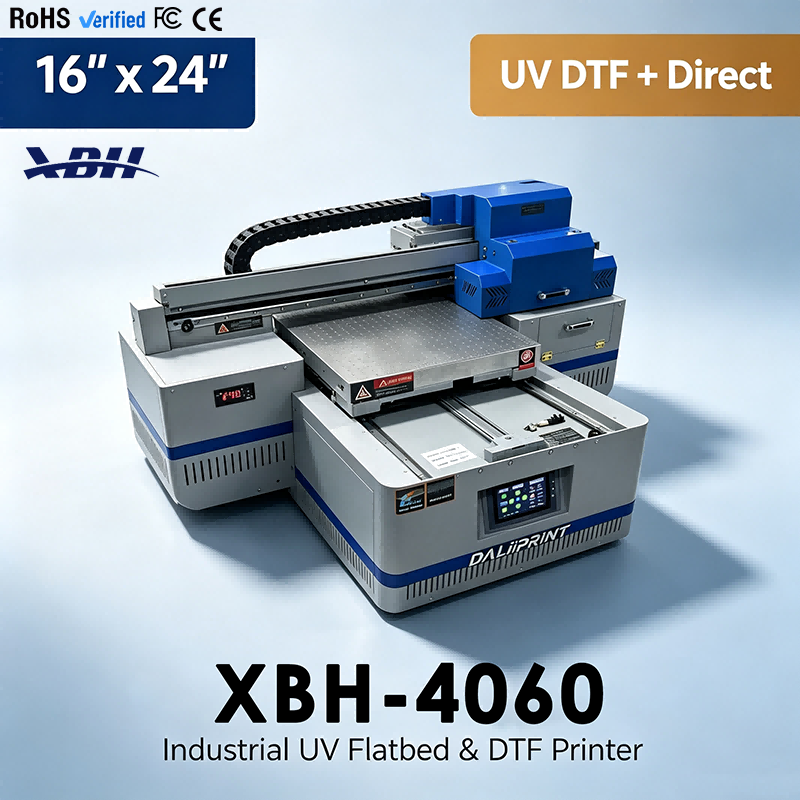
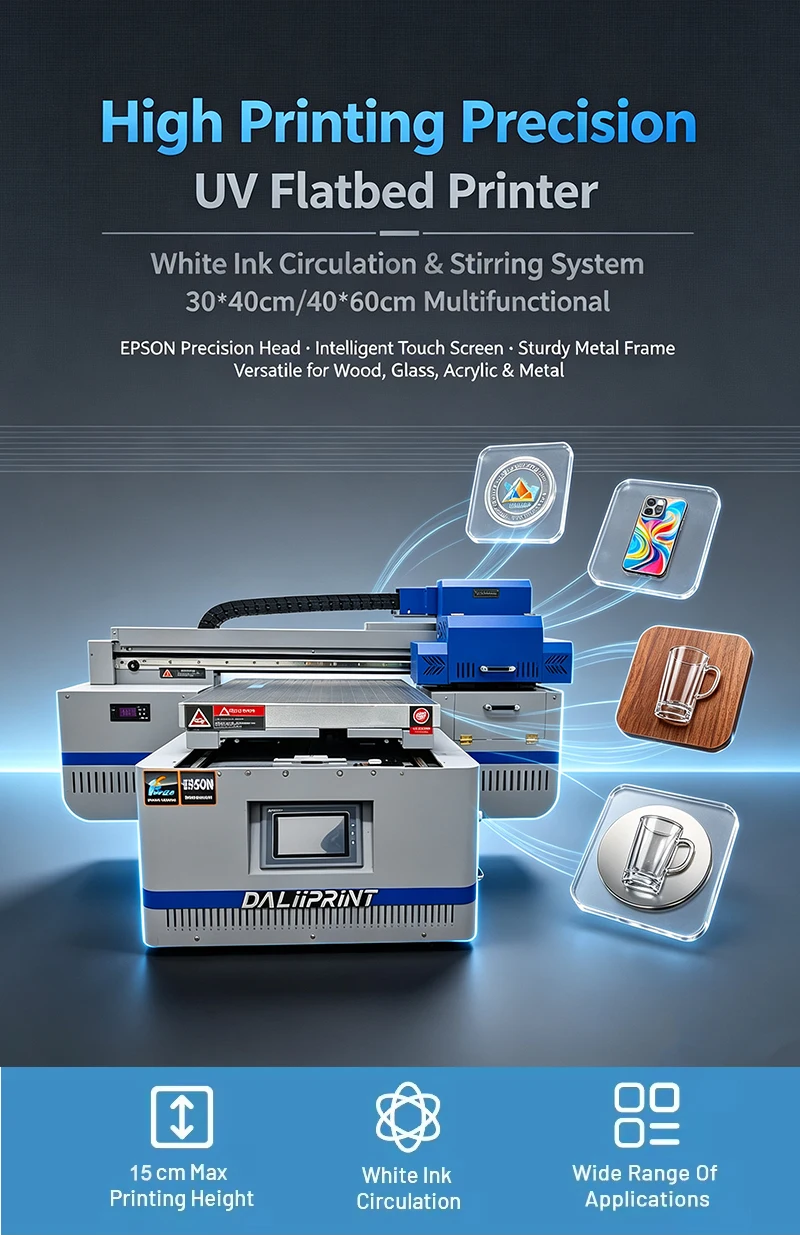
XBH-4060 UV Flatbed Printer - Dual Mode Direct Printing & DTF Transfer in One Machine
Brand XBH
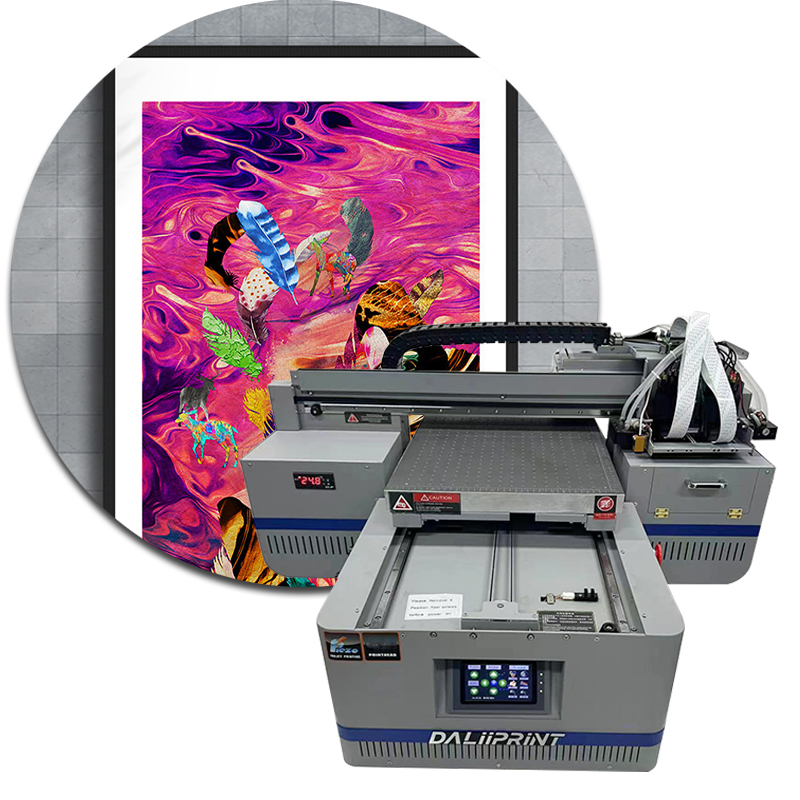
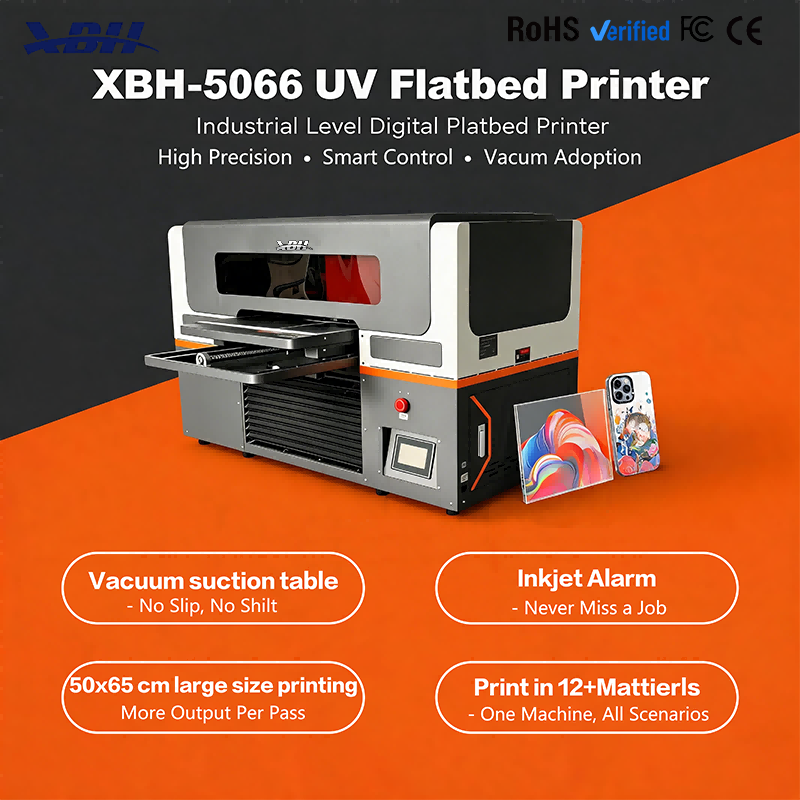
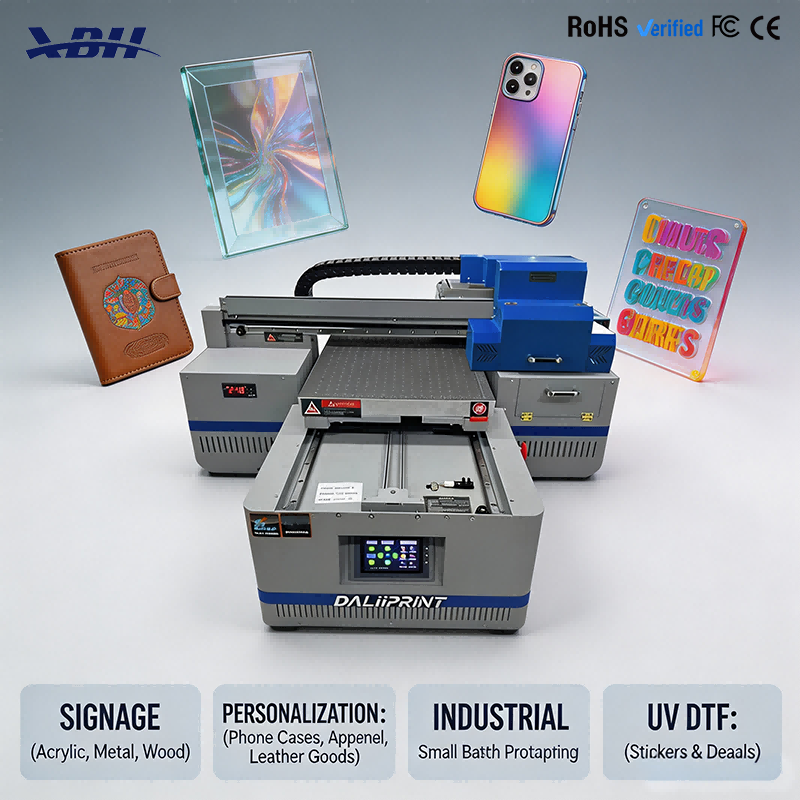
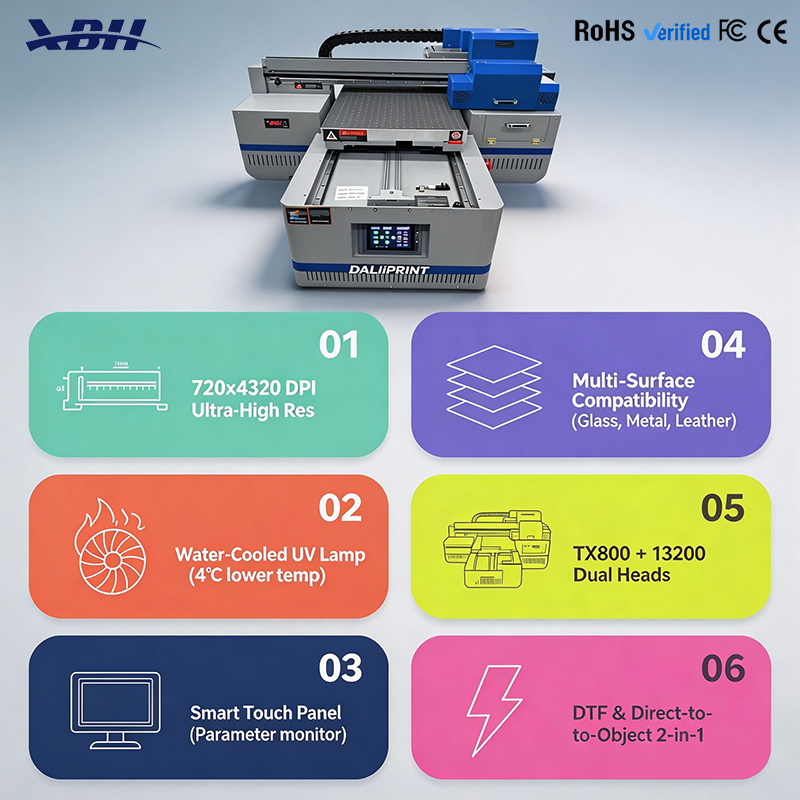
XBH-4060 features dual print mode — direct printing onto rigid materials and DTF transfer film printing — all in one machine. Switch between modes based on the job. Print phone cases, signs, gifts directly, or produce UV DTF transfer stickers for hard surfaces.




Q: What does "dual print mode" mean on the XBH-4060?
A: The machine supports two different printing methods. In direct mode, you place a rigid material — phone case, acrylic, wood, metal — on the bed and print directly onto it. In DTF mode, you print onto UV DTF transfer film, then laminate and apply the transfer sticker to a product. You switch between modes based on what you're making. One machine handles both direct substrate printing and transfer sticker production, so you're not limited to one type of job.
Q: When would I use direct printing mode?
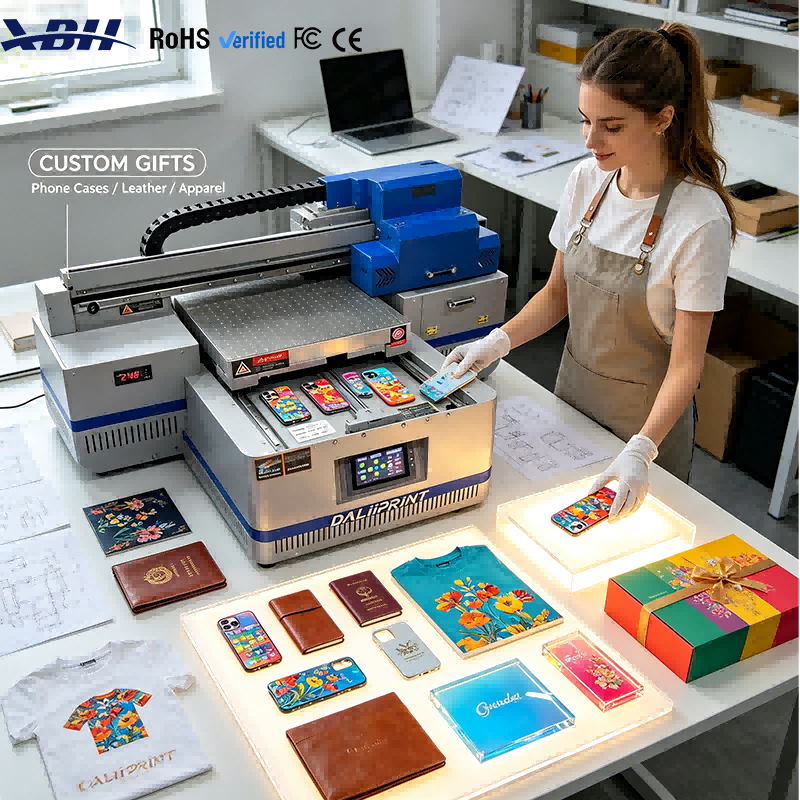
A: Direct mode is ideal for items that fit on the bed and have a flat printable surface — phone cases, acrylic signs, wooden plaques, metal nameplates, leather goods, ceramic tiles, promotional items. You place the product on the vacuum bed, send the file, and the design prints directly onto the product surface. No transfer film, no lamination, no application step. It's the fastest, most straightforward way to print on rigid items that fit within the 40×60cm printing area.
Q: When would I use DTF transfer mode?
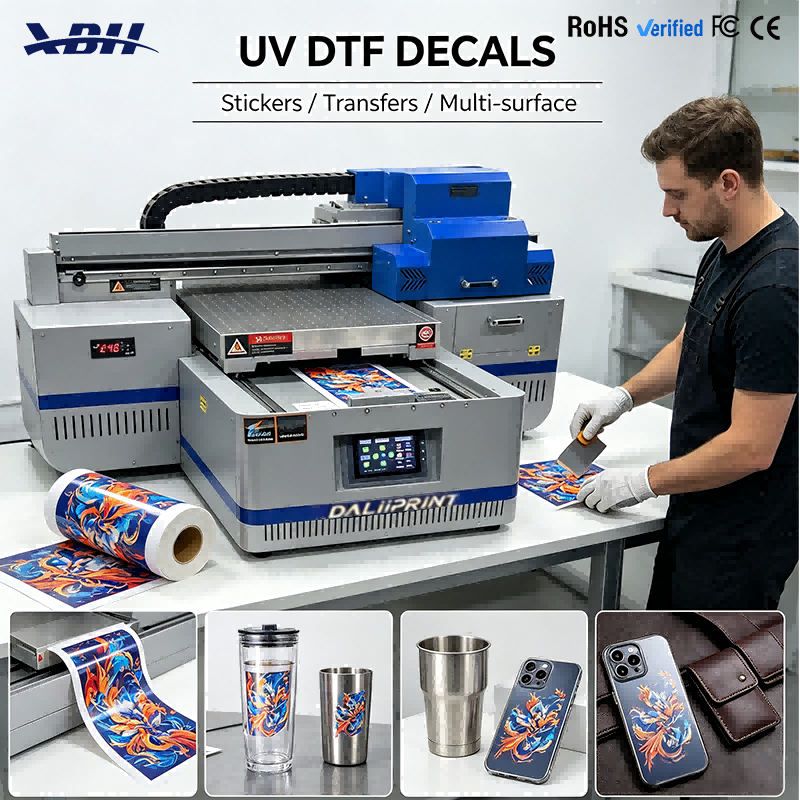
A: DTF mode is for producing transfer stickers that you apply to products afterward — especially items that are awkward to print on directly, like curved bottles, irregular shapes, or products that don't fit well on the flat bed. You print the design onto UV DTF film, laminate it with the clear B film, then peel and stick the transfer onto the product. This mode also lets you produce sheets of transfer stickers to sell or apply later, giving you flexibility for products that aren't easy to print on directly.
Q: How hard is it to switch between the two modes?
A: Switching is straightforward. You change the material on the bed — either your rigid product or the DTF film — and select the corresponding print settings in the software. The machine itself doesn't need physical reconfiguration between modes; it's mainly a matter of using the right material and the right print profile. Most operators learn both modes quickly and can switch back and forth throughout the day based on what orders come in. Having both modes in one machine means you can take on a wider range of jobs without buying separate equipment.