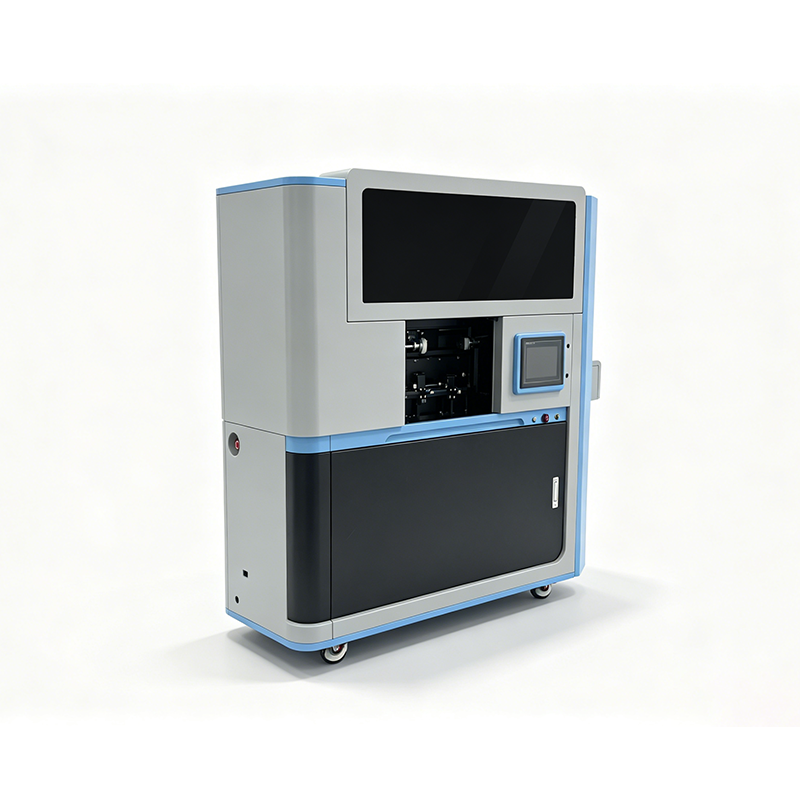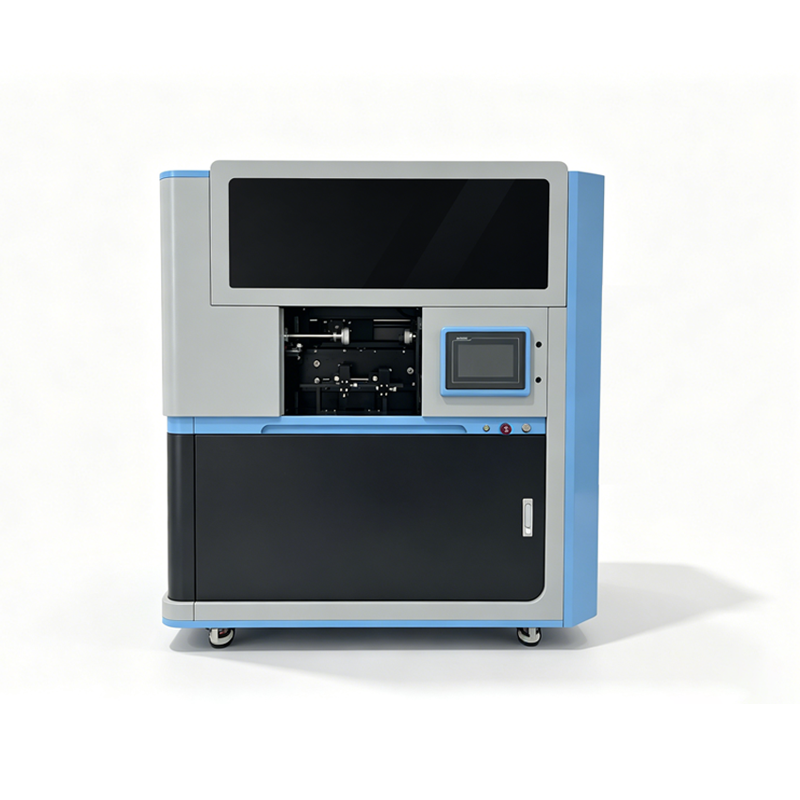

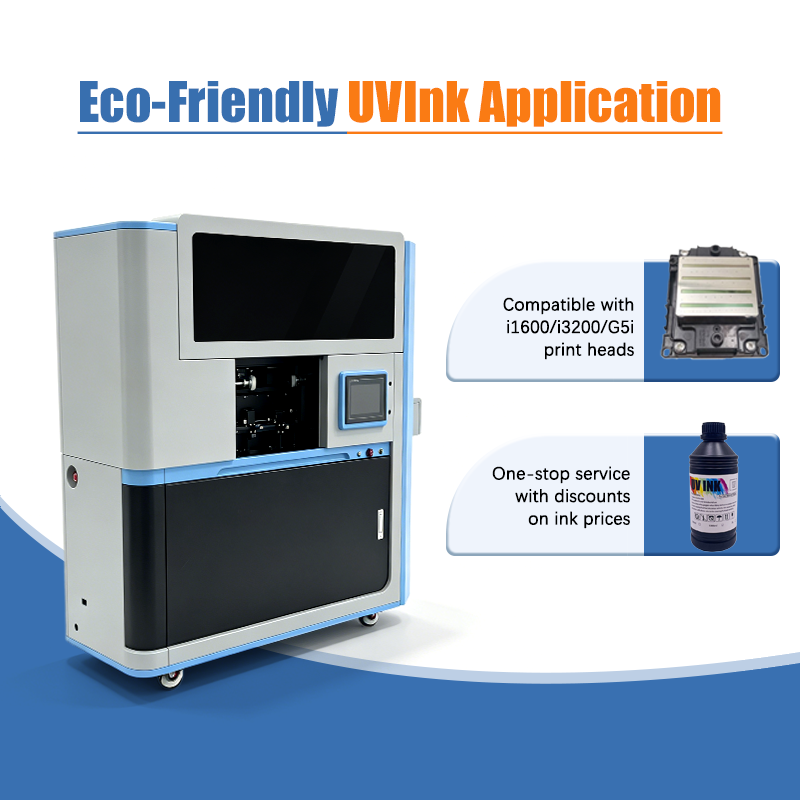
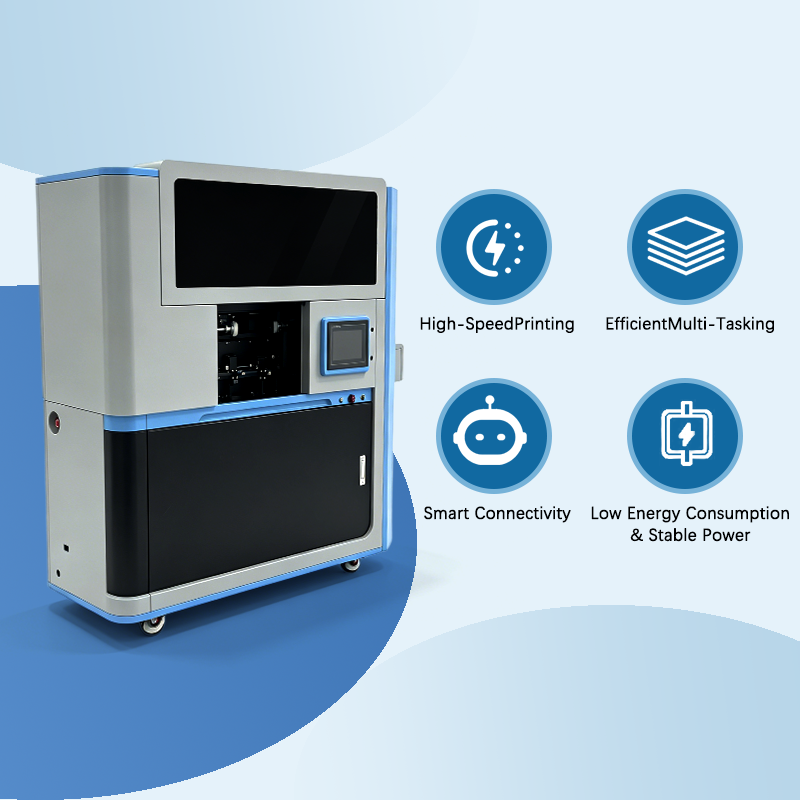
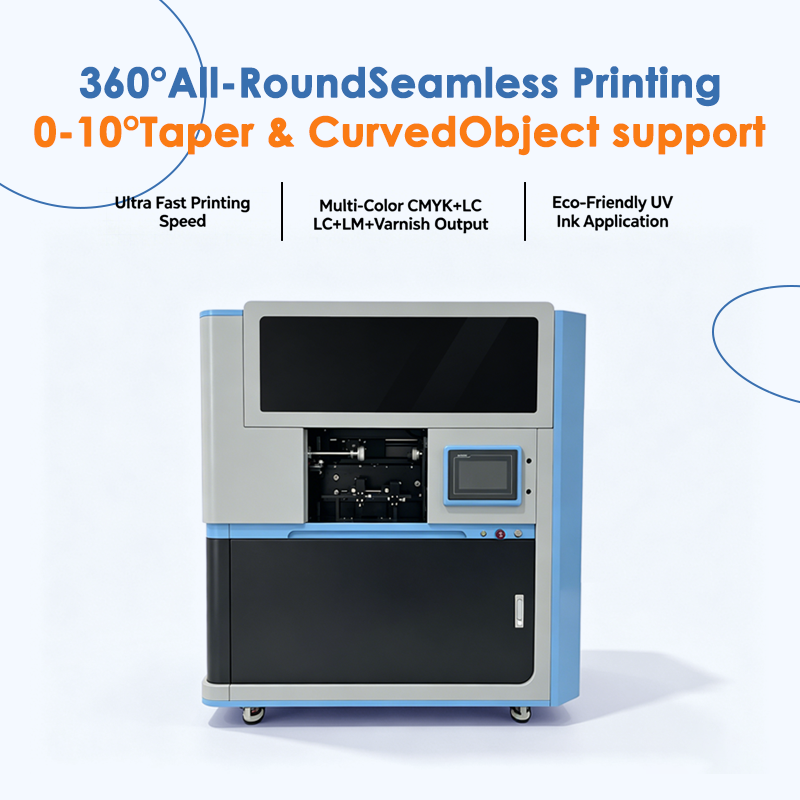
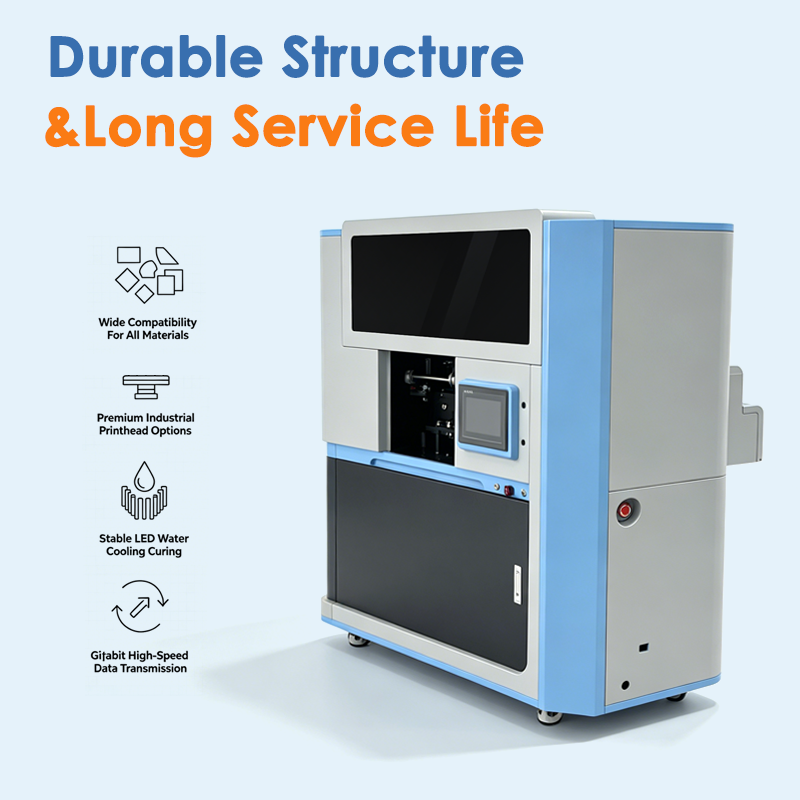
Stop Re-Dialing-In Every Repeat Job - Saved Parameter Memory for Batch Bottle & Cup Printing
Brand XBH
Product origin CHINA
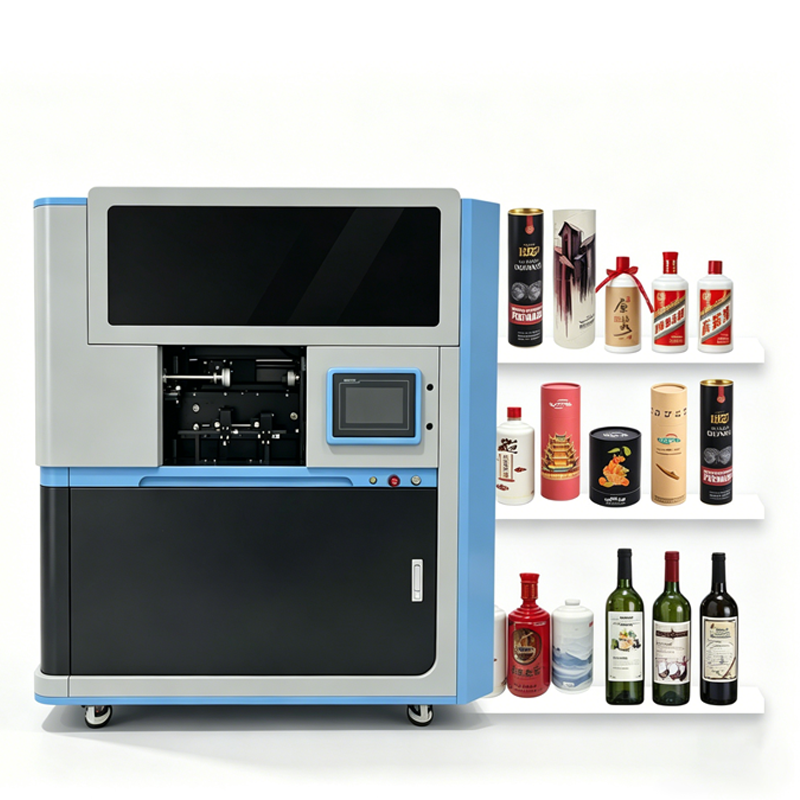
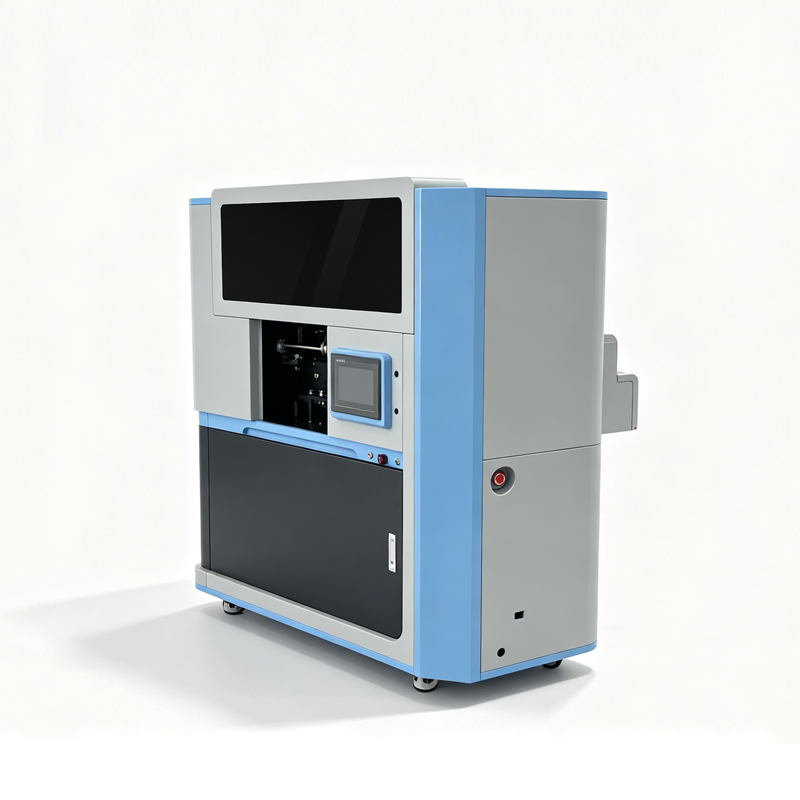
Every time you dial in the perfect settings for a particular bottle — rotation speed, print height, color profile, positioning, quality mode — the machine saves it as a named job. Next time that product comes in, recall it with one touch and all settings load instantly. No reconfiguration, no test prints, no trial and error. Repeat orders print identically every time, and changeover between product types takes seconds.


Q: What exactly gets saved in a job memory profile?
A: Everything you adjusted to get the print looking right on that specific product. That includes the rotation speed calibrated for that bottle's diameter and weight, the print height and vertical start position so the design lands at the right spot on the bottle, the color profile and ink density settings for that particular material (stainless steel vs. glass vs. plastic absorb ink differently), the print quality mode (production speed vs. high resolution), and the fixture alignment configuration. Essentially, the entire setup recipe for that product is stored under a name you choose — like "20oz White Tumbler" or "750ml Clear Wine Bottle." When you select that profile later, the machine loads every one of those settings automatically.
Q: How does this help when a customer reorders the same product?
A: Repeat orders are the lifeblood of many custom printing businesses, and the biggest risk with a reorder is inconsistency — the new batch doesn't quite match the old one because settings were entered slightly differently, or because the operator forgot exactly how it was set up last time. With saved job memory, that risk disappears. The settings from the first successful run are stored, so the reorder uses exactly the same rotation speed, same color profile, same positioning, same quality mode. Bottle #1 of the reorder looks identical to bottle #1 of the original order. Customers notice this consistency — it builds trust, encourages repeat business, and reduces complaints and reprints. For businesses that rely on regular corporate clients or wholesale accounts, consistent repeat-order quality is a competitive differentiator.
Q: Does it speed up changeover between different product types?
A: Significantly. Without saved memory, switching from a 20oz tumbler to a 750ml wine bottle means manually adjusting rotation speed (different diameter), print height (different length), positioning (different graphic placement), and possibly color profile (different material). Then you run one or two test prints to verify everything looks right, wasting time and material. With saved memory, if you've printed both products before, you select the wine bottle profile from the list and all settings load in one second. No manual entry, no test prints — you load a bottle and start printing. In a busy shop where you might switch between four or five product types in a single day, this adds up to real time savings. Less time spent setting up means more time spent printing, which means more units produced per day.
Q: How many different job profiles can I store?
A: The system supports multiple saved profiles, so you can create one for every product type you regularly print. As your product range grows — maybe you start with tumblers and wine bottles, then add cosmetic bottles, then aluminum cans, then paper tubes — each new product you set up becomes a saved profile for future use. You can also store variations within a product type: for example, a "20oz Tumbler - Production Mode" profile for fast batch work, and a "20oz Tumbler - High Res Mode" profile for detailed photographic designs. Each profile is named so you can quickly find the right one. The machine essentially builds a library of every product you've ever printed, so you never have to re-dial-in a product from scratch. Even if you haven't printed a particular bottle type in months, the settings are still there, ready to load.