
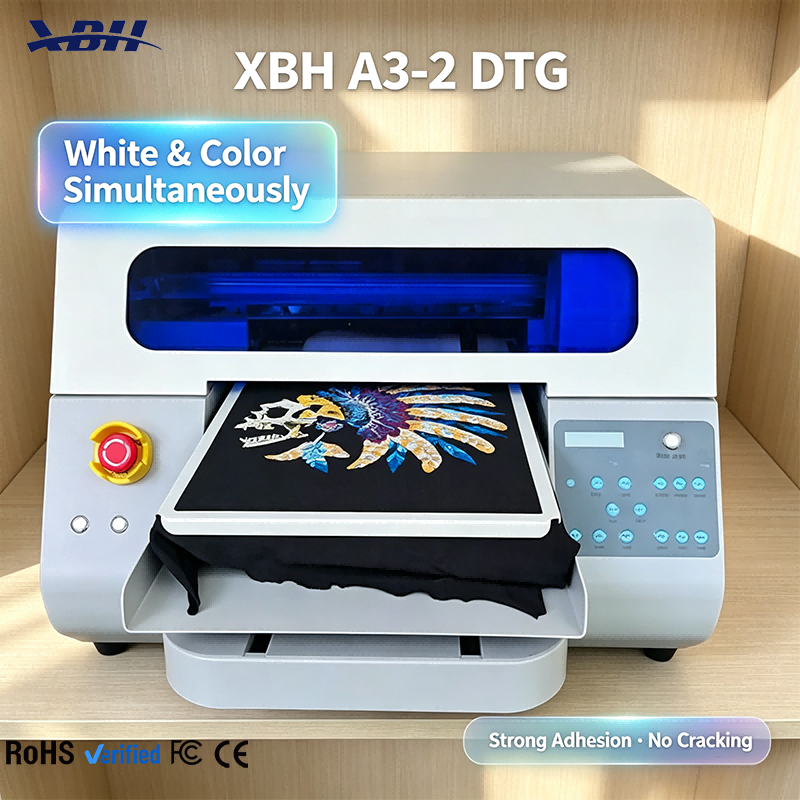
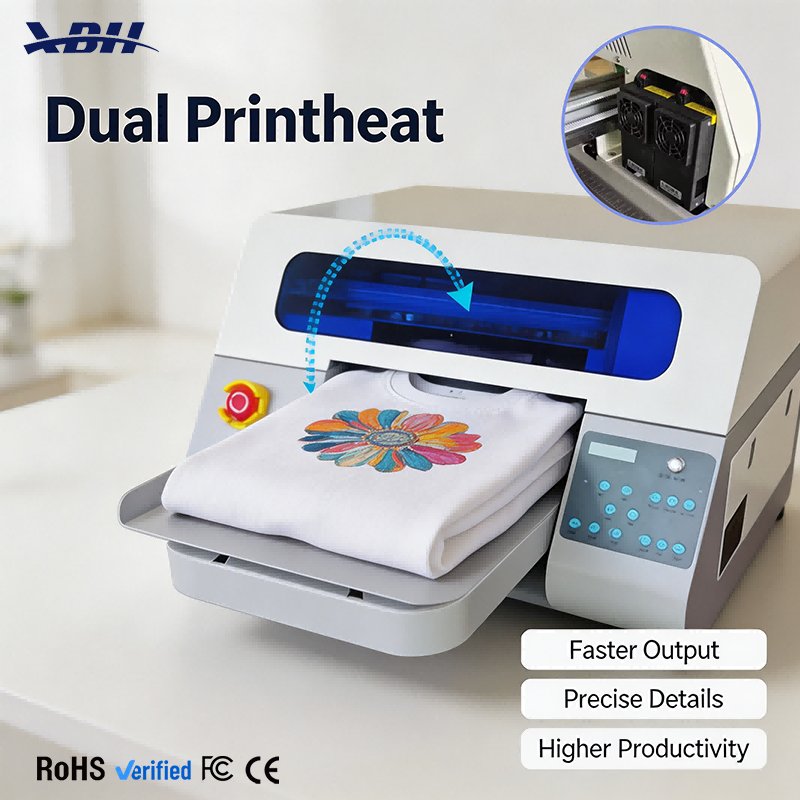
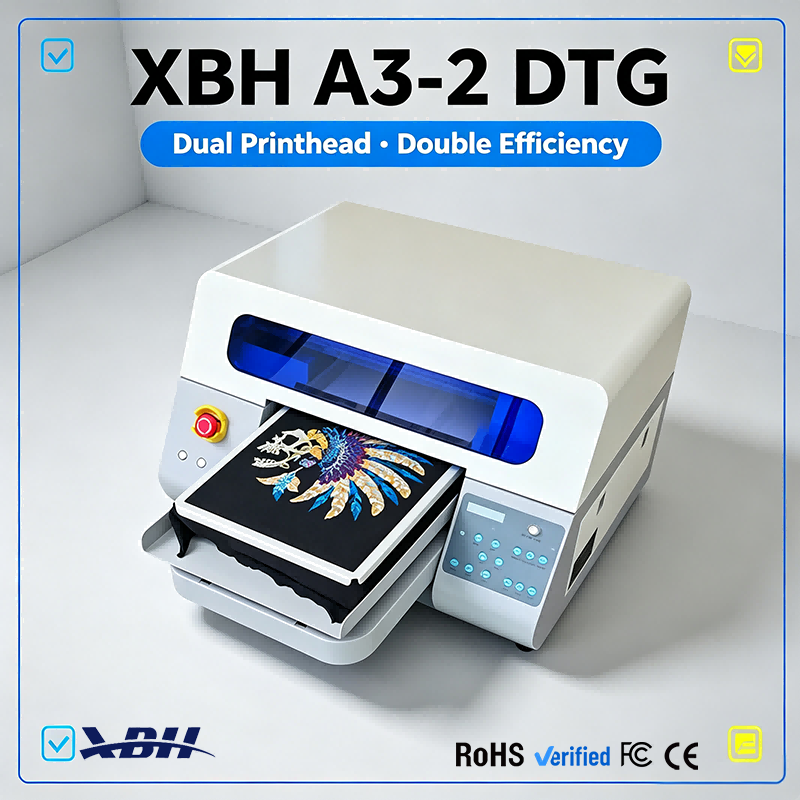
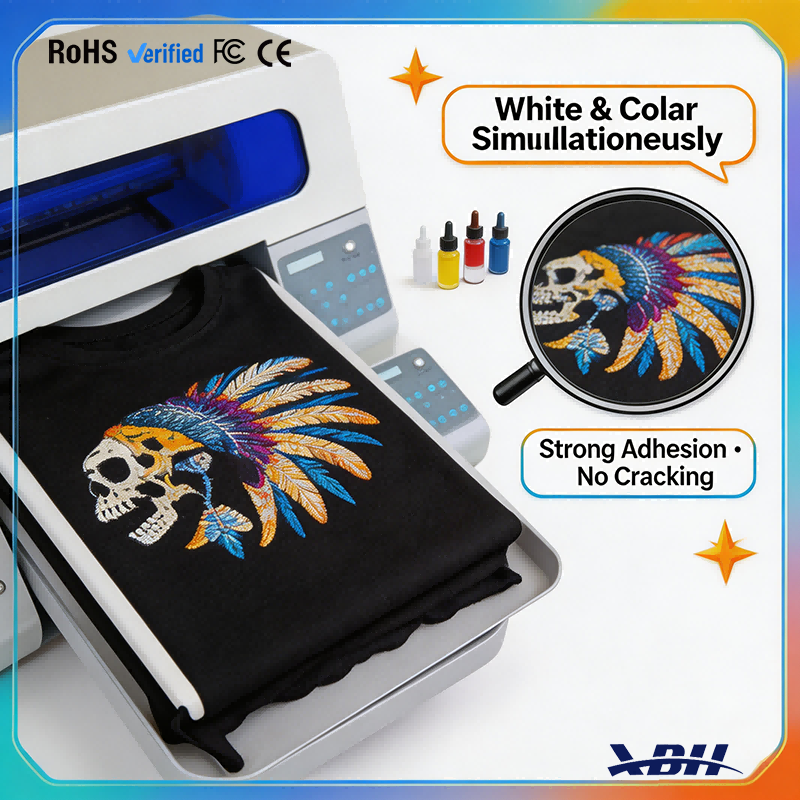
XBH A3-2 DTG Printer - 4-Step Workflow One-Click Start Intuitive Control Panel
Brand XBH
Product origin CHINA
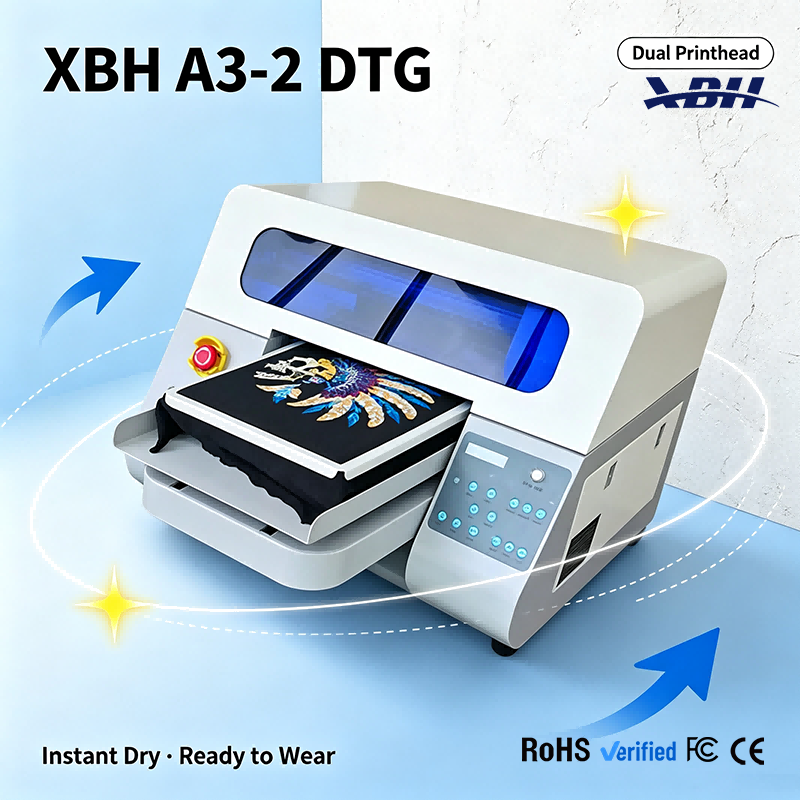
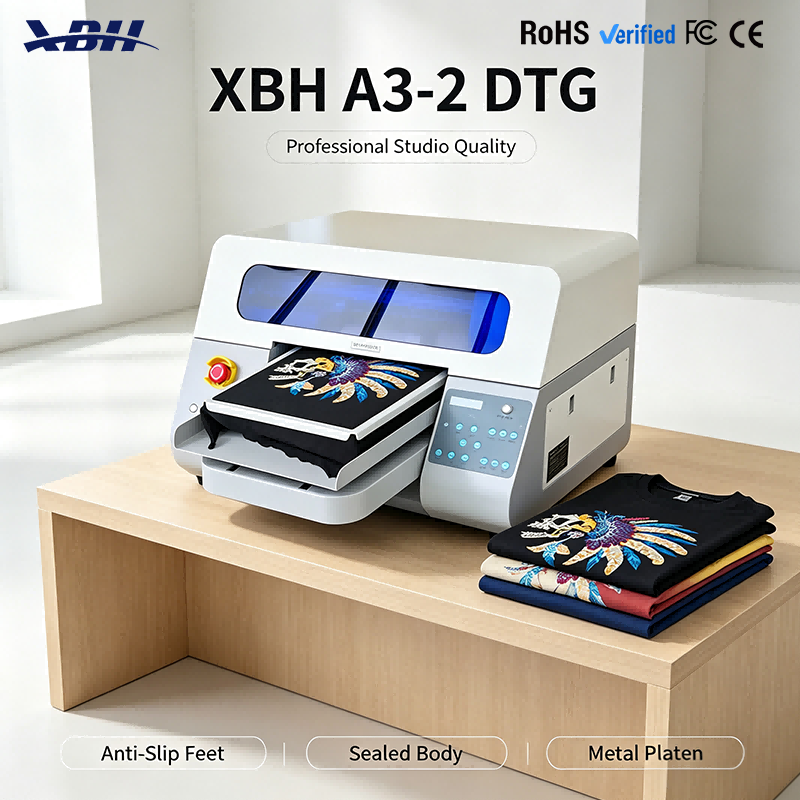
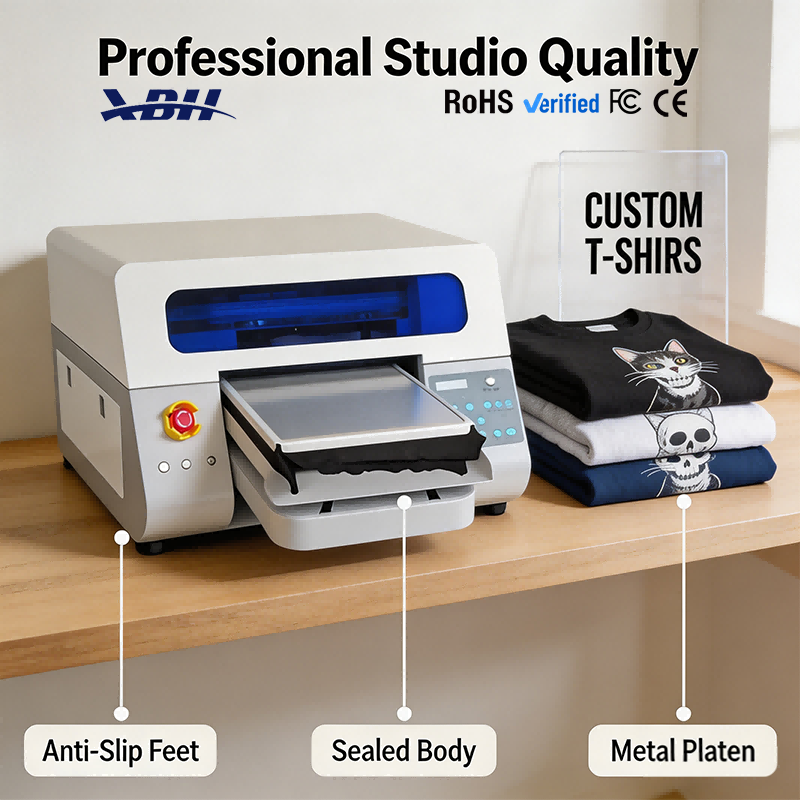
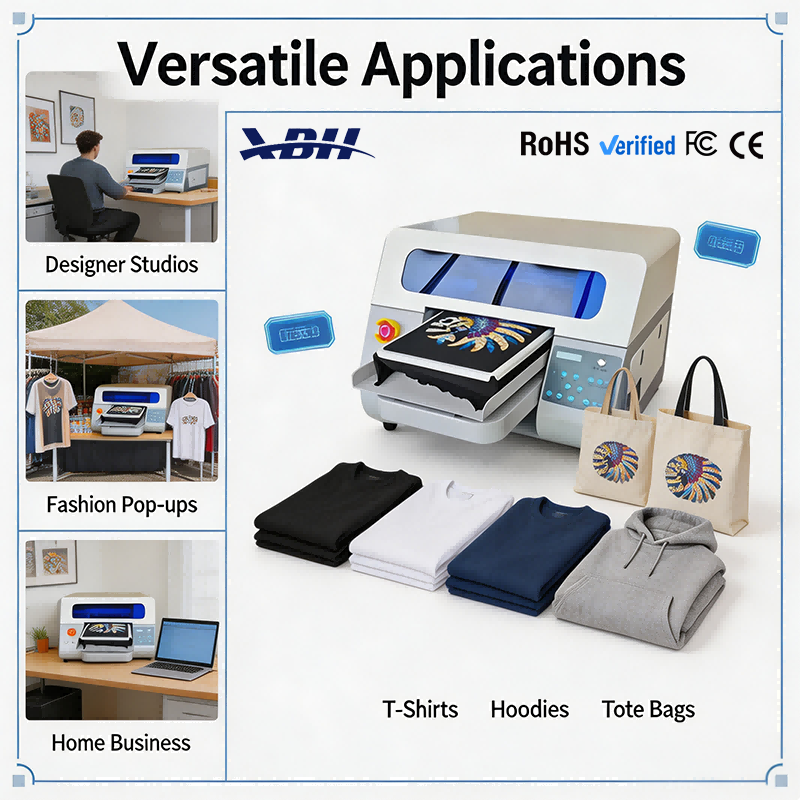
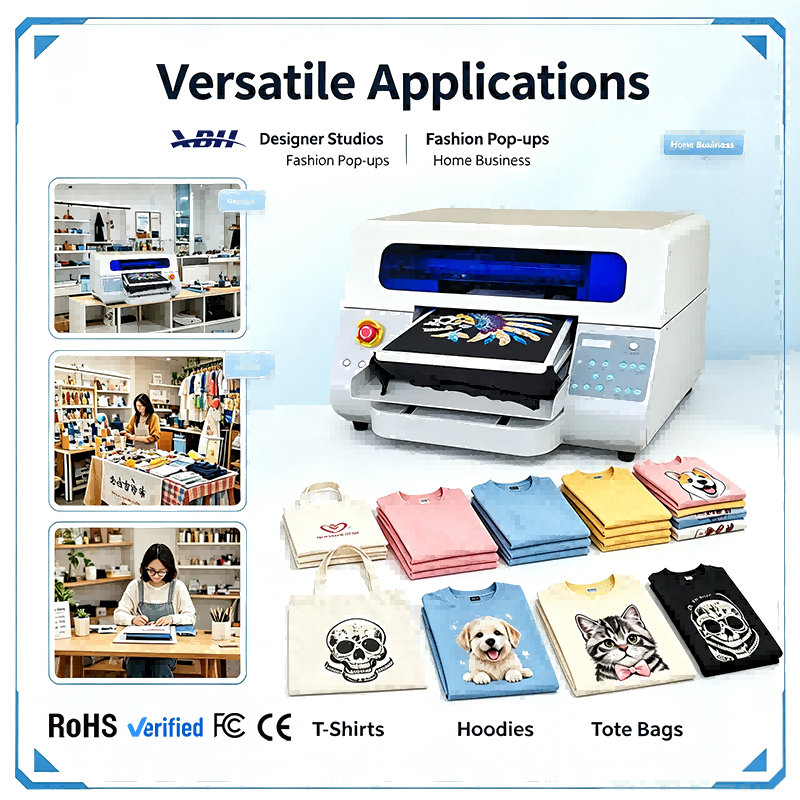
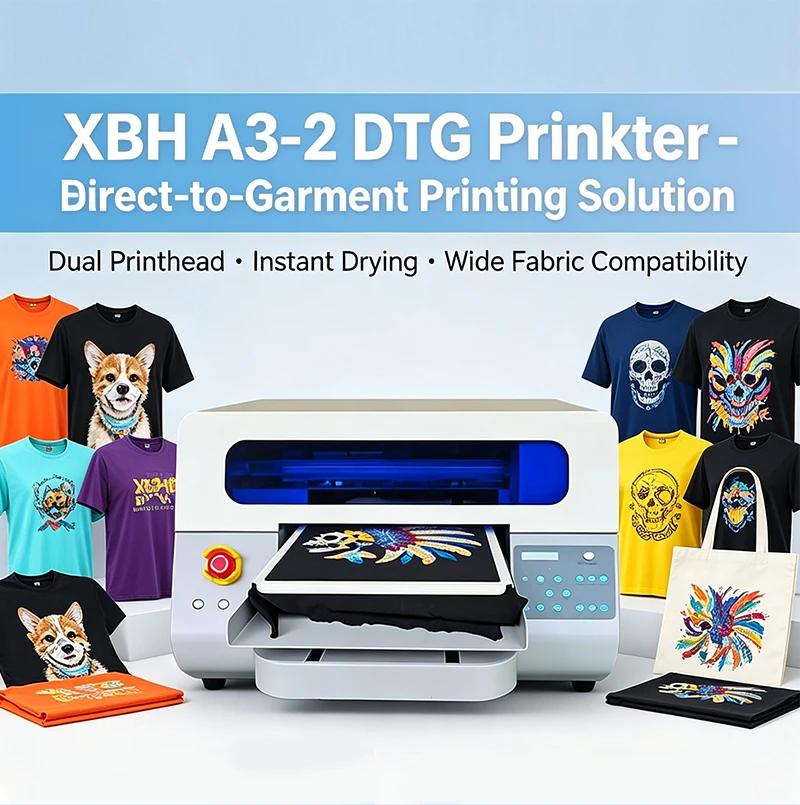
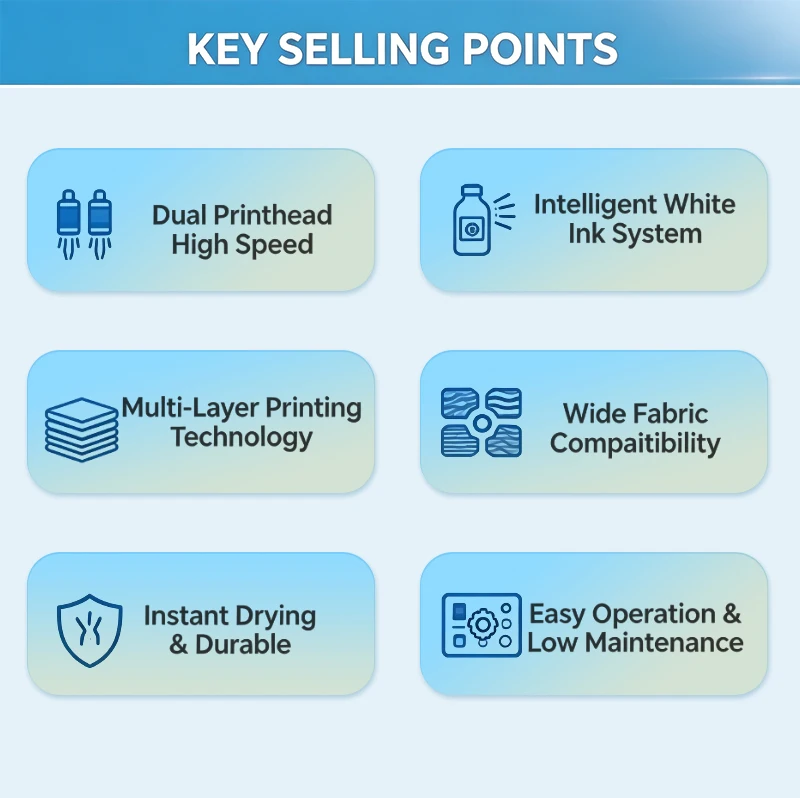
XBH A3-2 DTG makes custom garment printing simple with a 4-step workflow: Choose Design, Load Garment, One-Click Start, Ready to Wear. Intuitive control panel with clearly labeled buttons, auto-cleaning function, and quiet running. New operators can start producing professional results quickly.


Q: What is the 4-step workflow for printing a garment?
A: The process is straightforward and designed to be easy to learn. Step 1: Choose your design — open the digital artwork file in the print software and position it on the virtual platen. Step 2: Load the garment — place the pre-treated t-shirt or garment on the platen, smooth out the fabric, and slide the platen into the machine. Step 3: One-click start — press the print button and the machine does the rest, automatically printing the white underbase and color layers. Step 4: Ready to wear — the garment comes out dry and finished, ready to fold and deliver. Four simple steps, from digital file to finished custom garment, with no complicated setup or technical adjustments required for standard jobs.
Q: How easy is the control panel to use?
A: The control panel has clearly labeled buttons with both text and icon indicators, so you can see at a glance what each button does. Buttons include menu navigation (MENU, BACK, ENTER), platen movement (LEFT, RIGHT, FEED), and function controls (NOZZLE, CLEANING, QUALITY, ORIGIN, PAUSE, CANCEL). There's also a STIR button for the white ink mixing system. The layout is logical and the buttons are responsive, so even a first-time operator can navigate the basic functions without confusion. The panel also shows status information, so you know what the machine is doing at any given time.
Q: Do I need technical expertise to operate this machine?
A: No, not for basic operation. If you can use a computer to open and resize an image file, and can follow simple instructions for loading a garment, you can learn to operate this printer. The machine handles the technical printing details automatically — droplet size, pass count, white-to-color alignment — so the operator doesn't need to understand the engineering behind it. Basic maintenance like nozzle checks and cleaning cycles are triggered with a single button press. Of course, there's more to learn as you go — color management, advanced settings, troubleshooting — but you can start producing good-quality custom shirts within your first day or two of practice, without a deep technical background.
Q: How quiet is the machine during operation?
A: The machine is designed for quiet running, which matters if you're operating it in a small shop, a retail back room, a garage, or even a home studio. The printhead carriage moves smoothly and the overall noise level is low enough that you can have a conversation nearby while the machine is printing. You don't need hearing protection or a soundproof room. For businesses that interact with customers on-site, a quiet machine creates a more professional and pleasant environment. For home-based operations, it means you can run the printer without disturbing household members or neighbors. The quiet operation is part of the machine's user-friendly design — it's built to be practical for real-world small-business environments, not just industrial factory floors.