
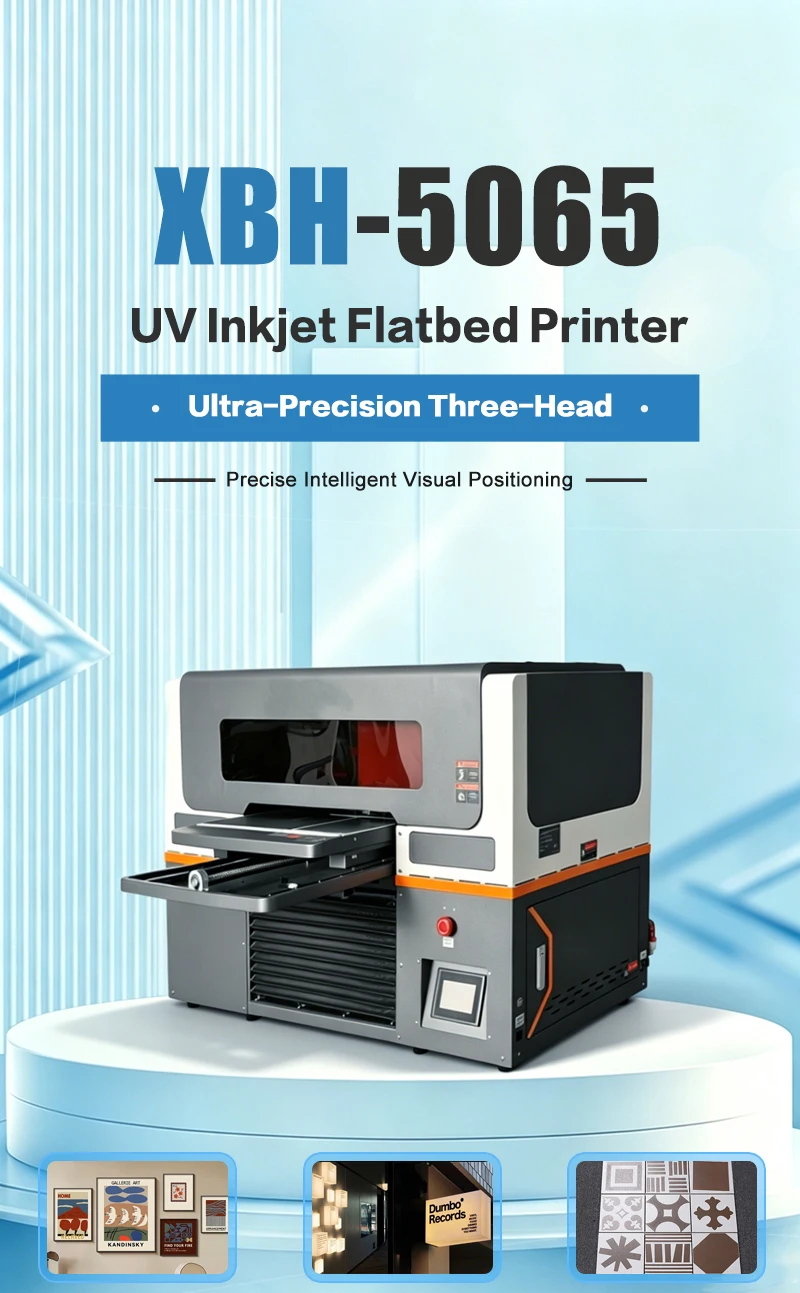
XBH-5065 UV Flatbed Printer - Smart LCD Touch Control & Ink Shortage Alarm
Brand XBH
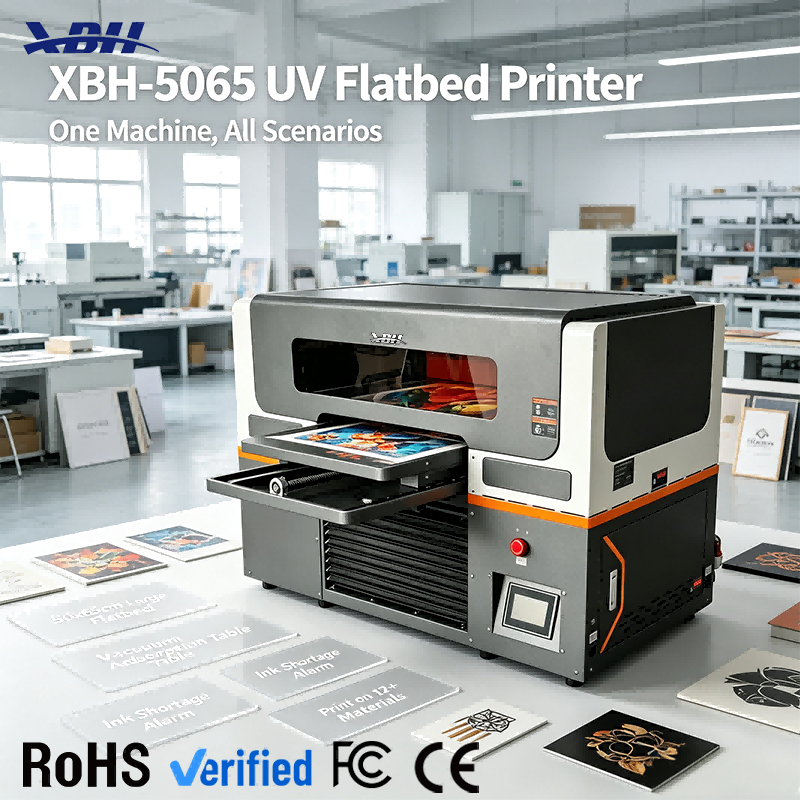
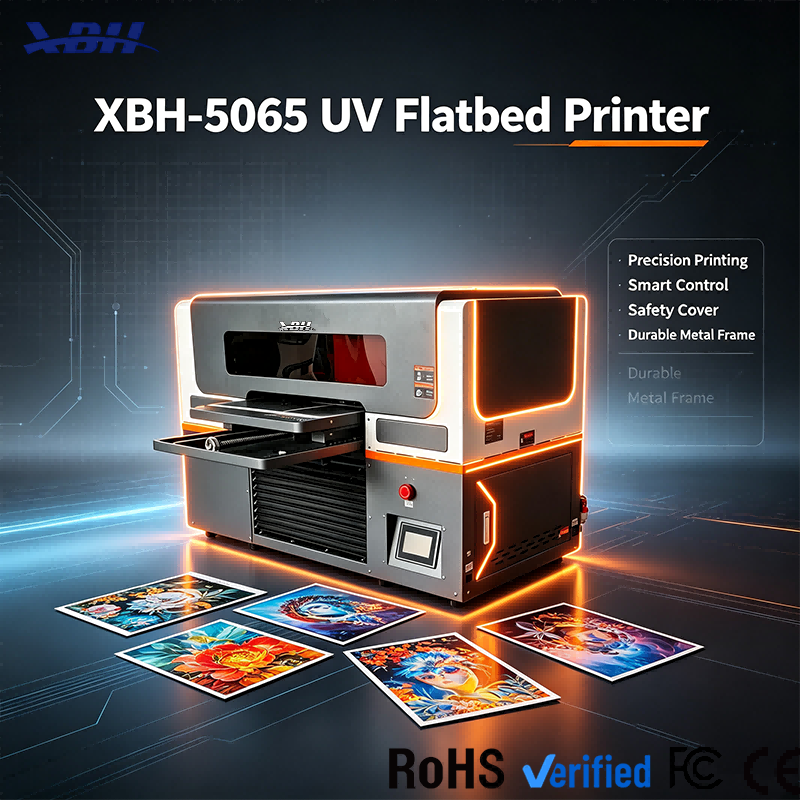
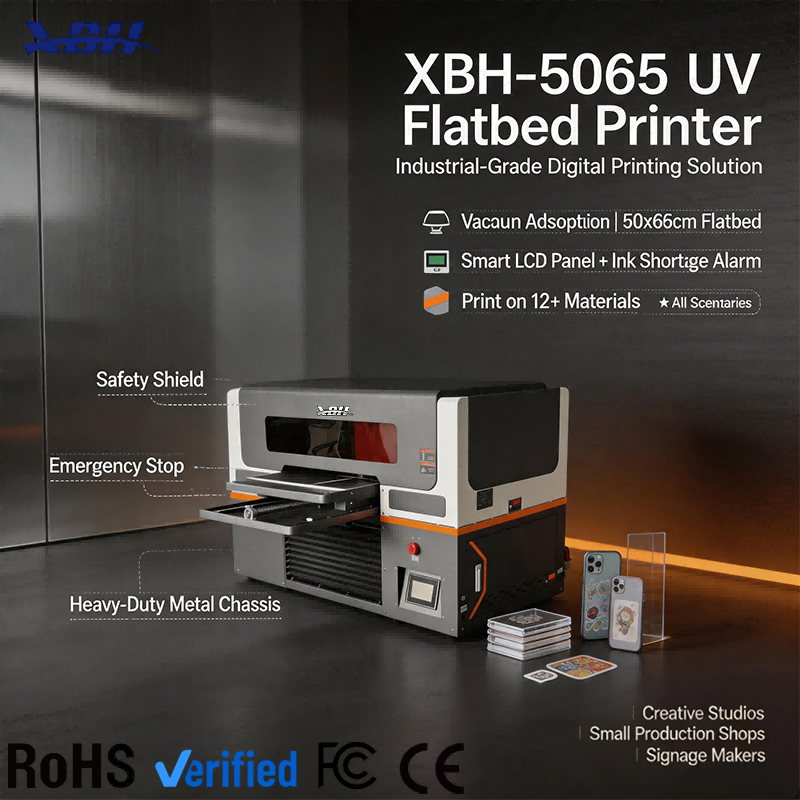
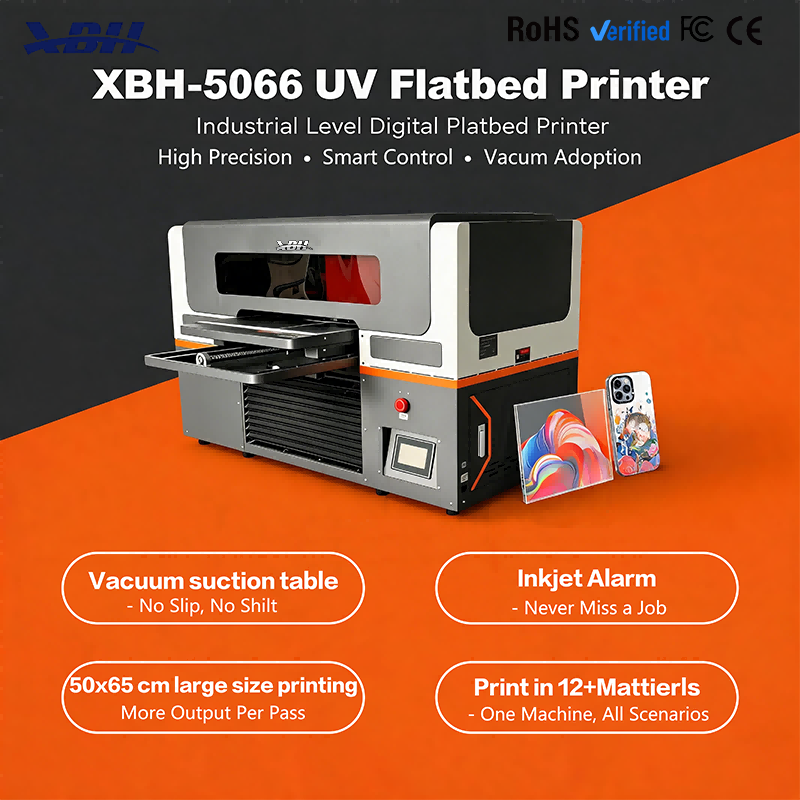
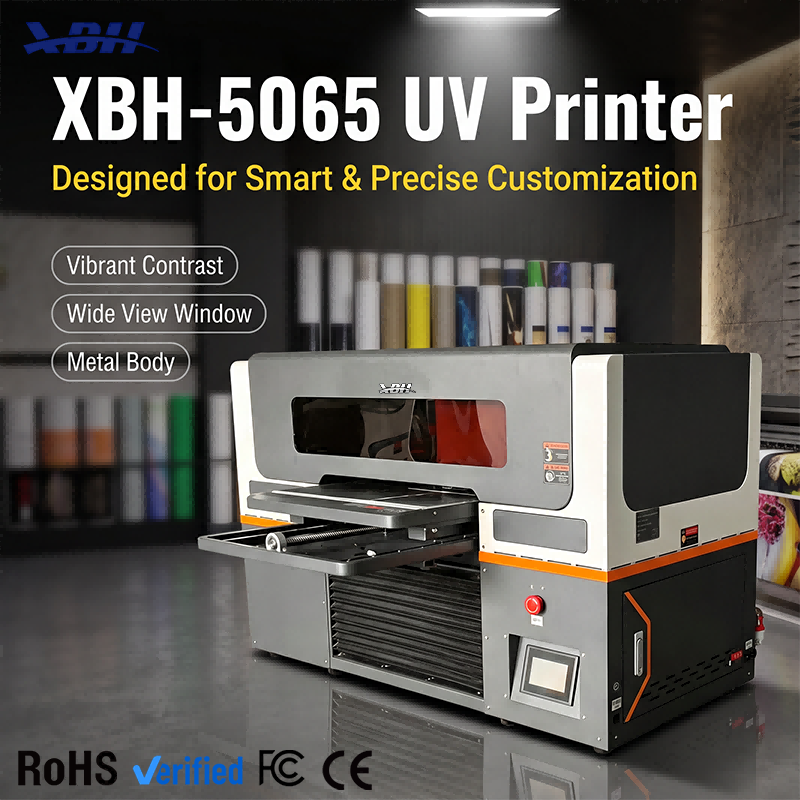
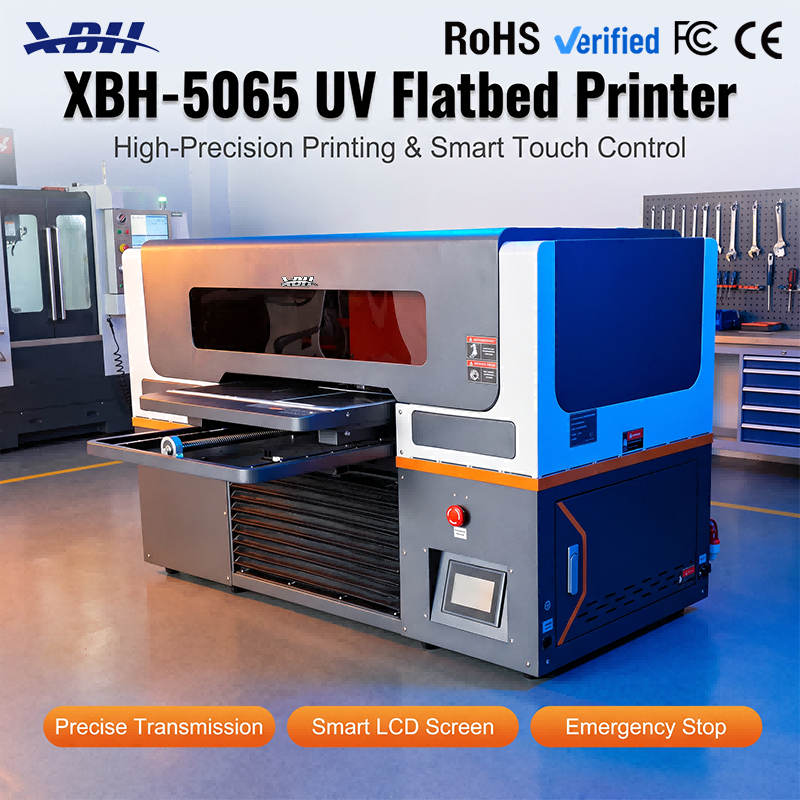
XBH-5065 features a smart LCD touch panel for intuitive control and real-time status monitoring, plus an ink shortage alarm that alerts you before ink runs out. Easy operation, clear feedback, and no ruined jobs from unexpected ink depletion.





Q: What can I do through the smart LCD touch panel?
A: The LCD touch screen is your main interface for controlling the machine and monitoring its status. You can start and stop print jobs, adjust print settings, select print modes, run maintenance functions like nozzle checks and head cleaning, and view real-time information like print progress, ink levels and machine status. The touch interface is designed to be intuitive — you don't have to memorize complicated button sequences or navigate through confusing menus. Most operators learn the basic functions within their first day. The screen gives you clear visual feedback, so you always know what the machine is doing and what state it's in.
Q: How does the ink shortage alarm work?
A: The machine continuously monitors ink levels across all channels. When any ink color drops to a low level, the alarm triggers — typically a visual alert on the LCD screen, and sometimes an audible signal depending on the settings. This gives you advance warning before the ink completely runs out. You can then plan to refill or replace the ink cartridge between jobs, rather than discovering mid-print that you're out of ink. The alarm is designed to give you enough lead time to address the issue without interrupting production. It's a simple feature, but it prevents the kind of wasted materials and downtime that happen when ink runs out unexpectedly in the middle of a job.
Q: Why is the ink alarm important for production?
A: Running out of ink mid-print can ruin a partially completed job — especially if you're printing on expensive materials like acrylic, metal or specialty substrates. Once the ink runs out, the print is incomplete and usually can't be resumed cleanly, so you have to discard the material and start over. Beyond wasted materials, unexpected ink depletion can also cause air to enter the ink system, leading to nozzle clogs and print quality issues that require extra maintenance to resolve. The ink shortage alarm lets you stay ahead of these problems. You see the warning, you schedule the ink change at a convenient time between jobs, and production continues smoothly. It's a small feature that saves real money in wasted materials and downtime.
Q: Is the smart control system easy for new operators to learn?
A: Yes. The LCD touch interface uses familiar touch interactions — tap, select, confirm — similar to using a smartphone or tablet. The menu structure is logical: print controls in one area, maintenance in another, status information always visible. You don't need technical training to operate the machine at a basic level. For more advanced settings, the options are there when you need them, but they don't clutter the main interface. New operators can start with the basics — loading a file, pressing print, monitoring progress — and learn the more advanced features as they gain experience. The smart control system is designed to make the machine accessible, not intimidating.