
Beginner Friendly DTF Printer - Easy Operation No Experience Required
Brand XBH
Product origin guangdong
Easy-to-operate DTF system that anyone can learn quickly. No prior printing experience needed, no technical background required. Intuitive controls, straightforward workflow, and full training support. Start producing quality transfers your first week.
Beginner Friendly DTF Printer - Easy Operation No Experience Required
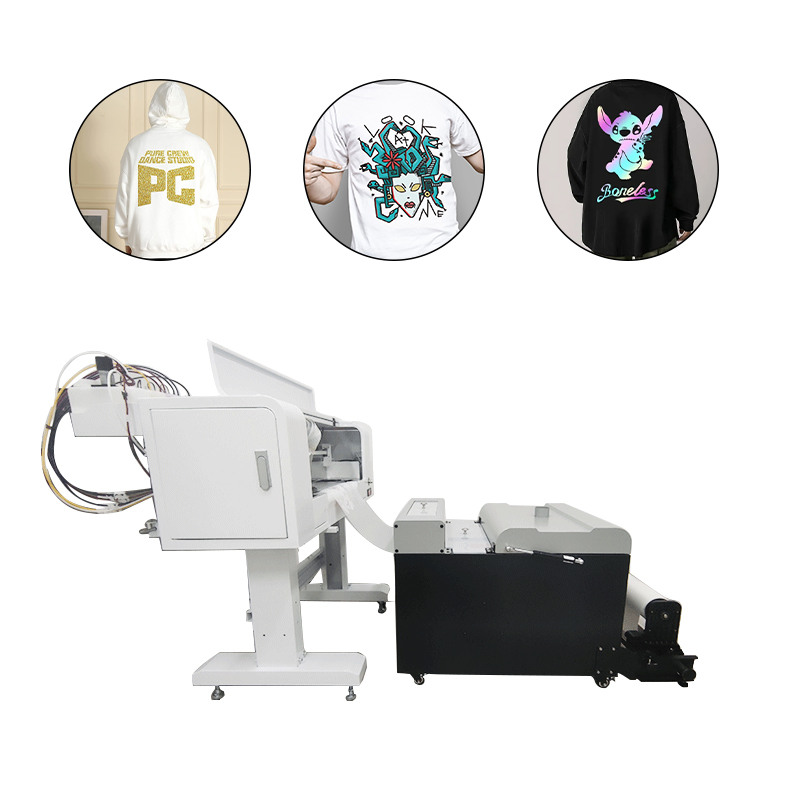
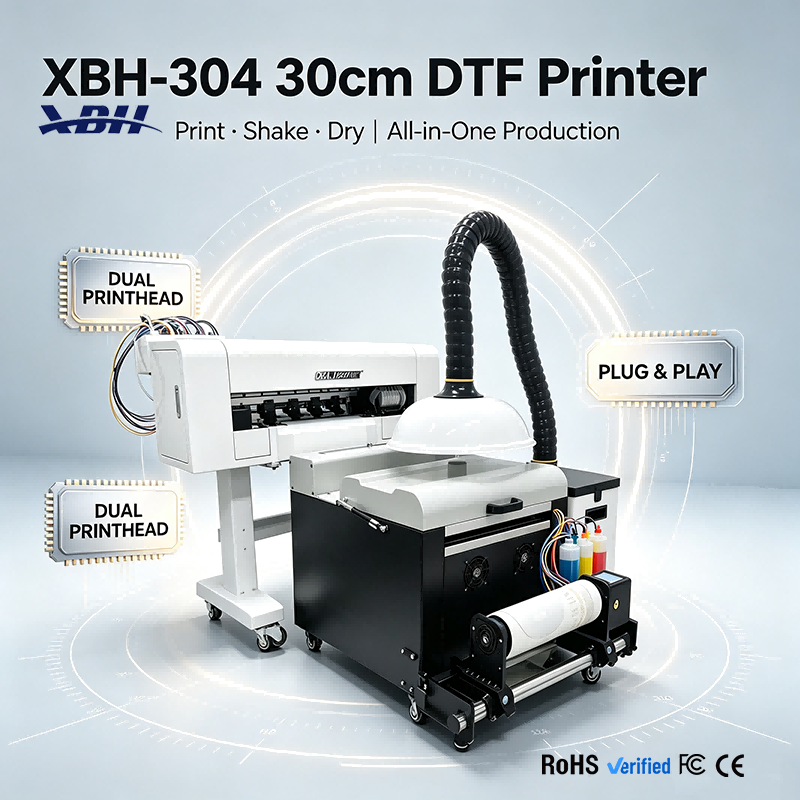
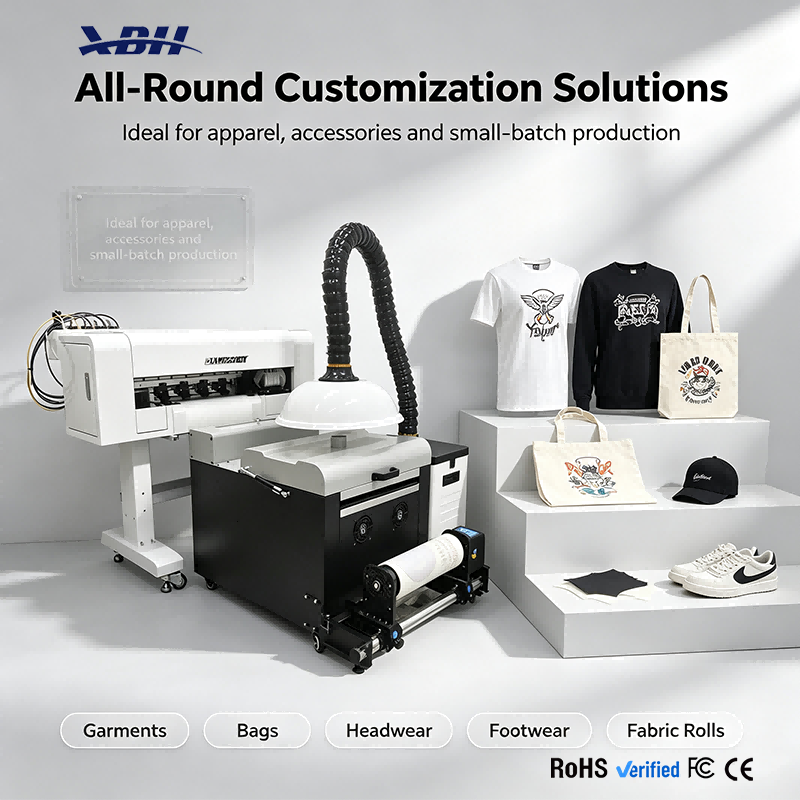
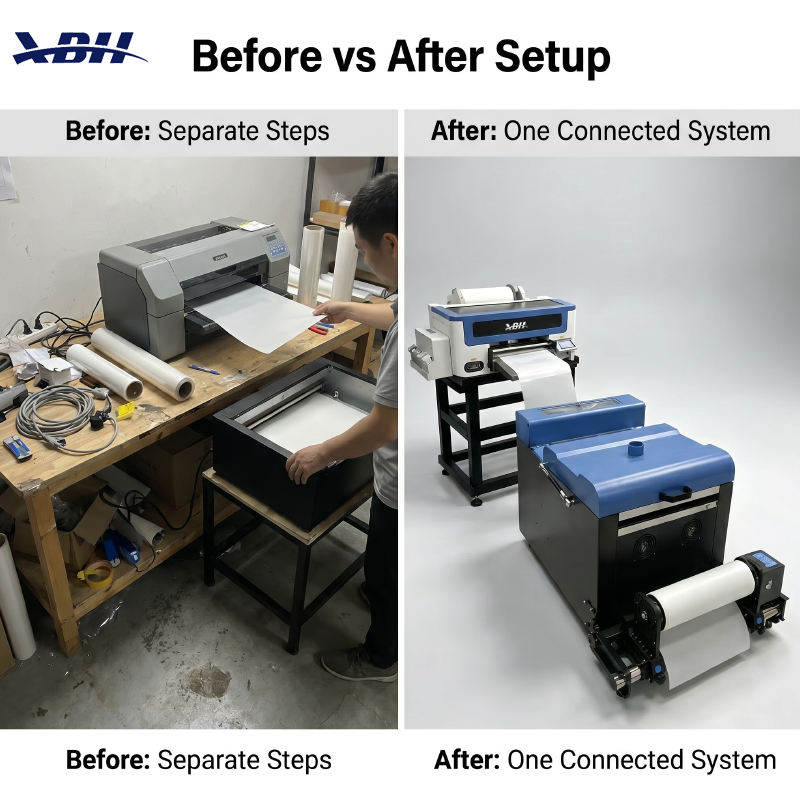
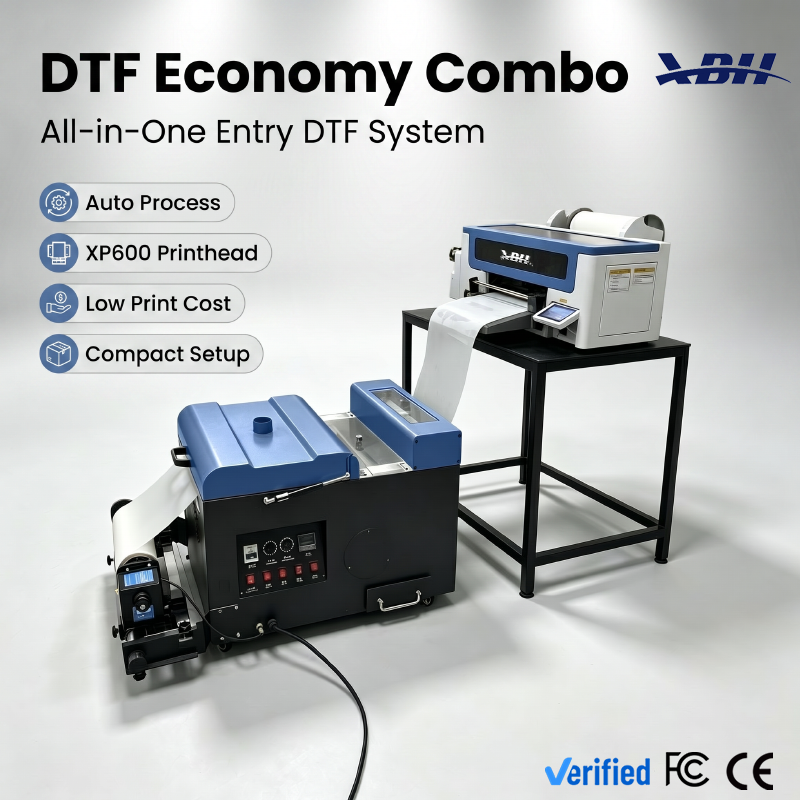
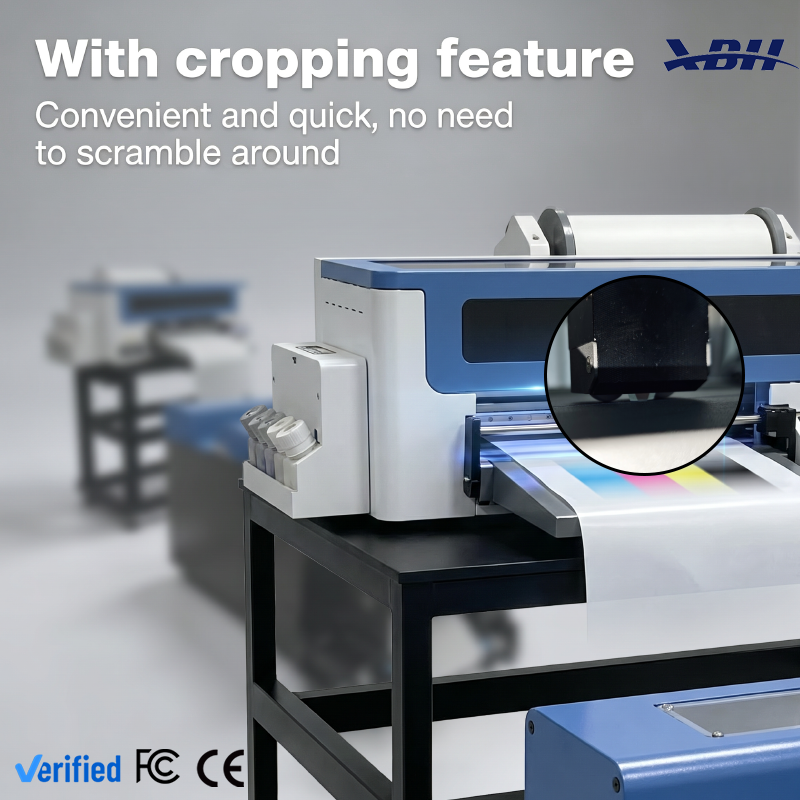
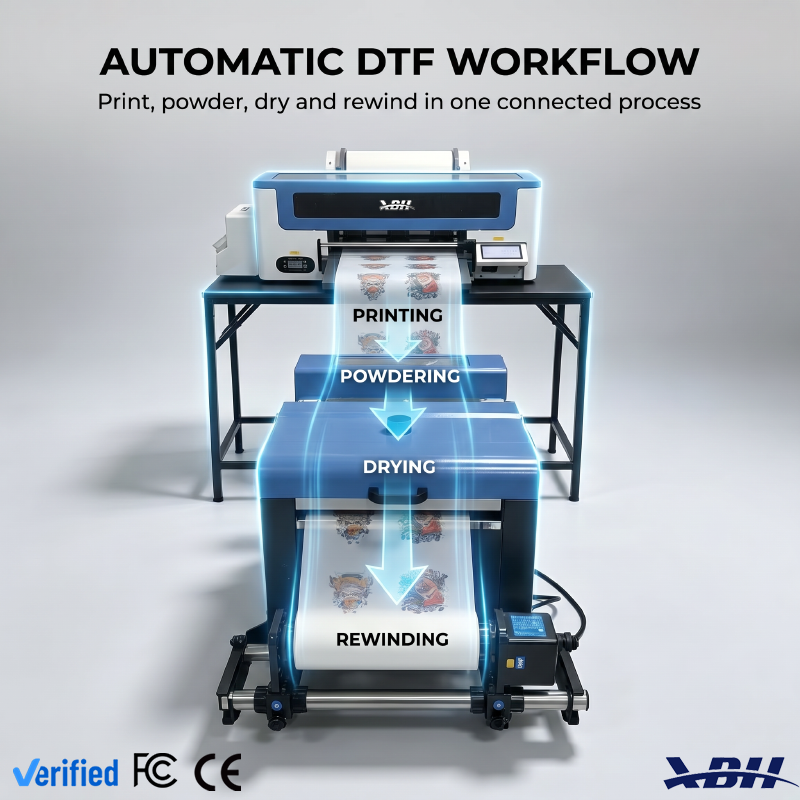
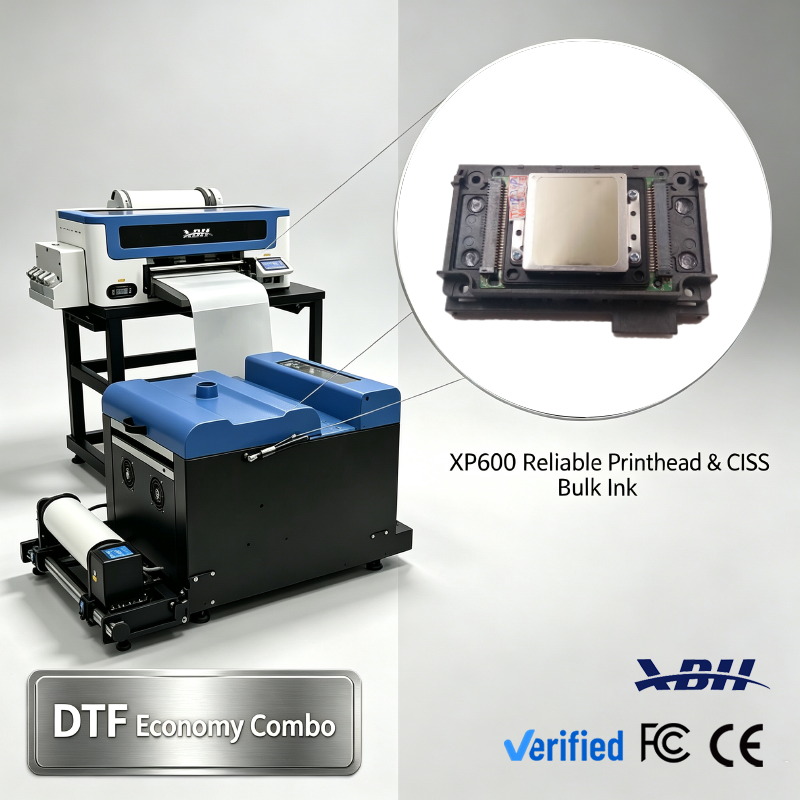
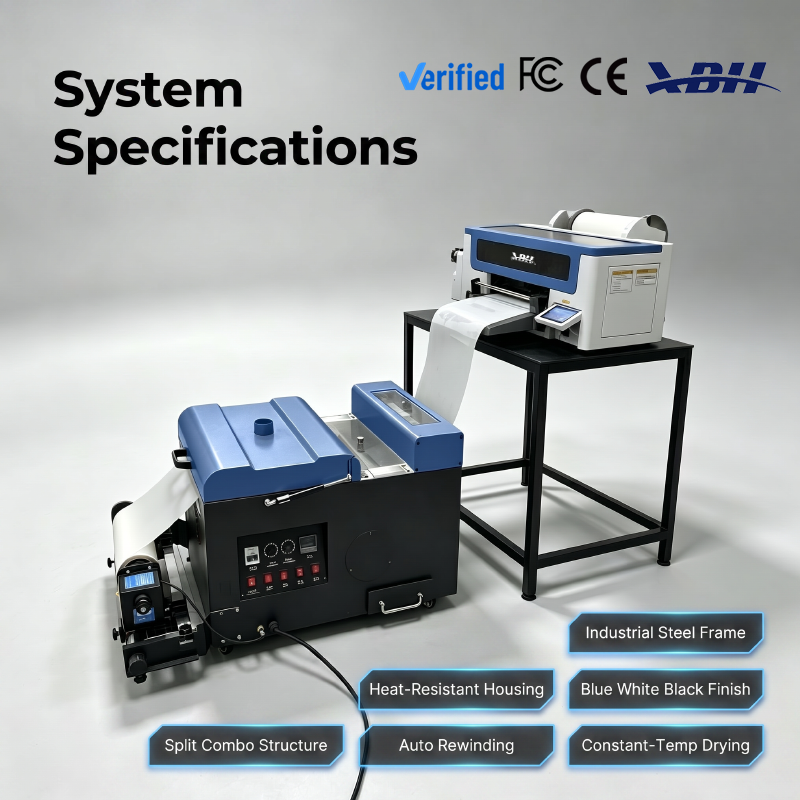
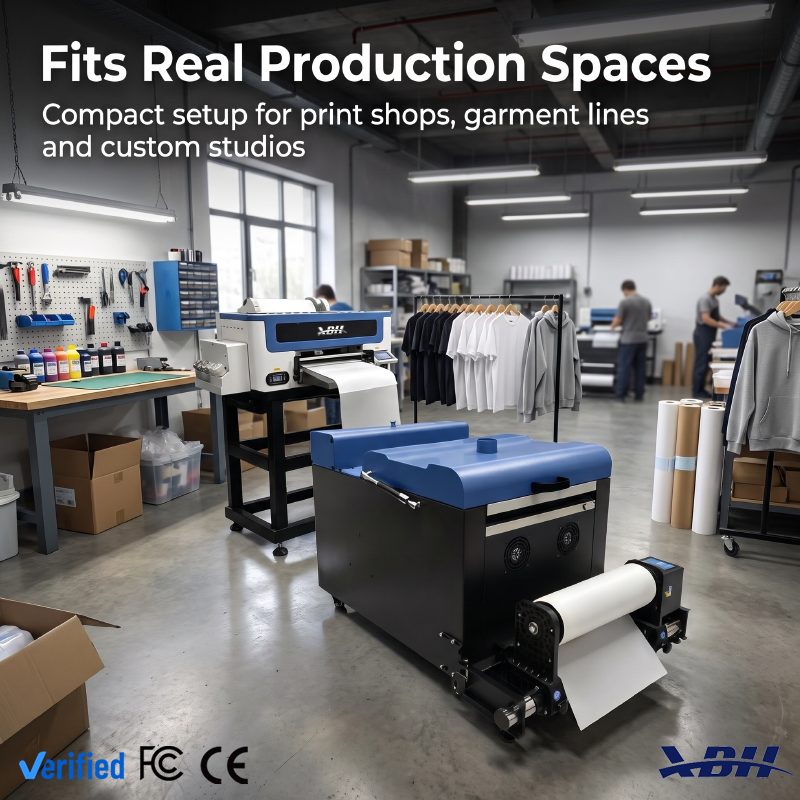
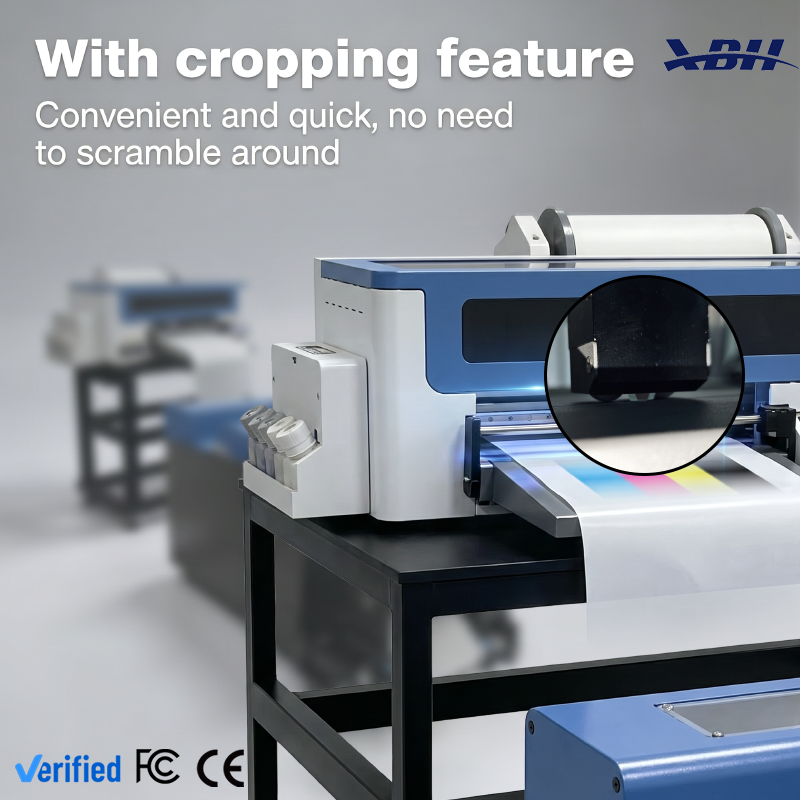
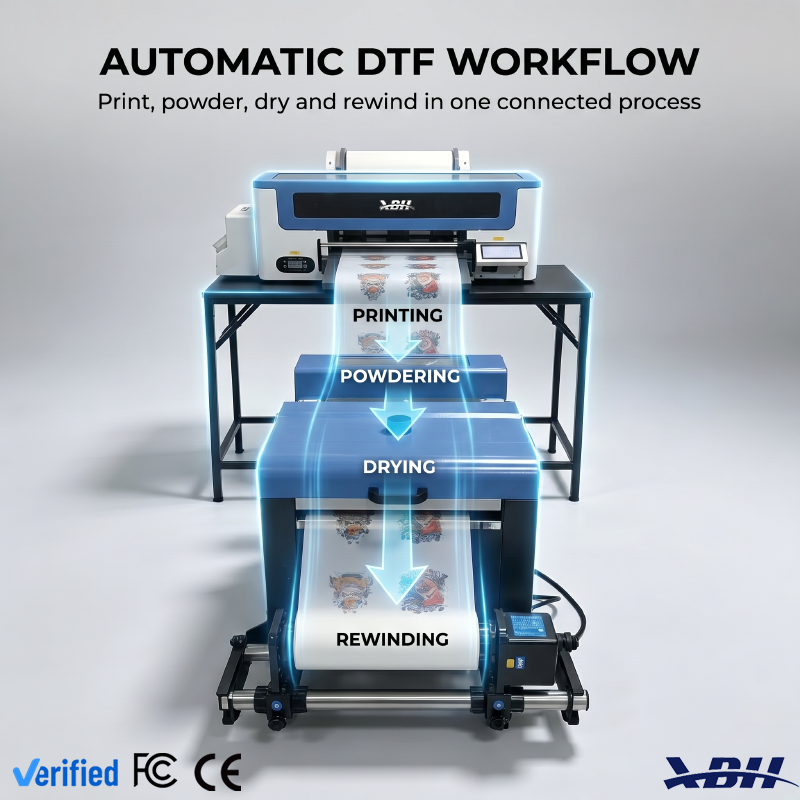
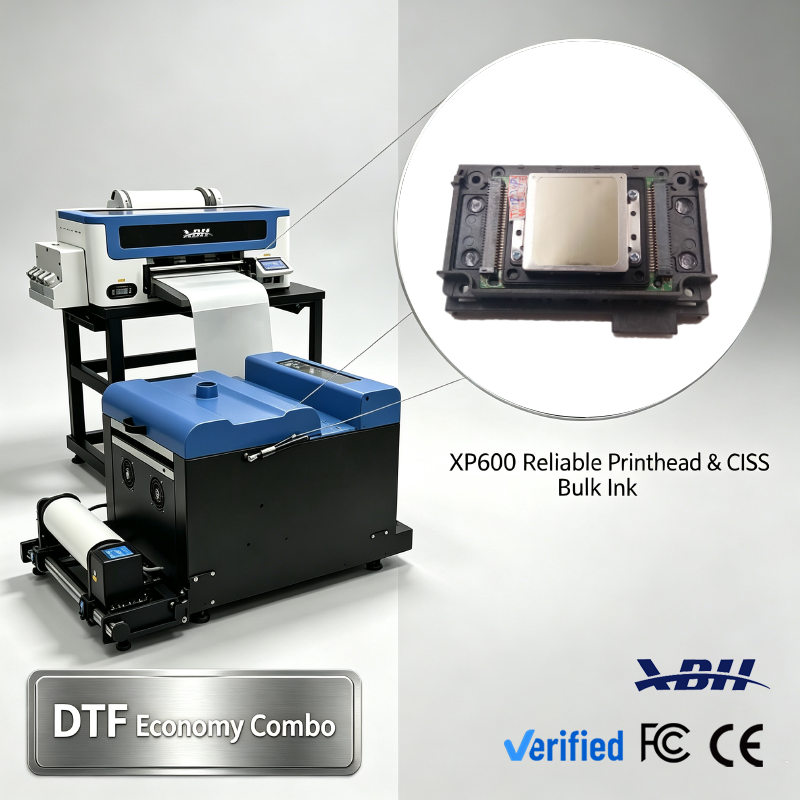
XBH A3 30cm DTF Printer Combo with dual XP600/I3200 printheads and auto powder shaker. Complete DTF workflow for T-shirts, hoodies, sportswear and custom apparel. White ink circulation, built-in cutter, easy to operate for small batch textile heat transfer printing.
| Item | Details |
|---|---|
| Model | XBH A3 DTF Combo (400D Printer + 400H Powder Shaker) |
| Printhead | 2 pcs XP600 / I3200-A1 / L1600-A1 |
| Max Printing Width | 335mm (12 inch A3) |
| Ink Configuration | CMYK + White DTF Pigment Ink, White Ink Circulation System |
| RIP Software | CADlink, RIP, Photoprint, MainTop |
| Print Speed | 3 m²/h (6 pass), 2 m²/h (8 pass) |
| Working Condition | 20-30°C, 45%-65% RH |
| Voltage | 110V/220V, 50/60Hz |
| Printer Dimension | L950×W600×H400mm |
| Powder Shaker Dimension | L760×W540×H560mm |
| Net Weight | 50kg (printer) + 30kg (shaker) = 80kg |
| Gross Weight | 80kg (printer) + 60kg (shaker) = 140kg |
| Core Functions | Roll DTF printing, auto powder shaking, melting curing, built-in cutter, linked workflow |
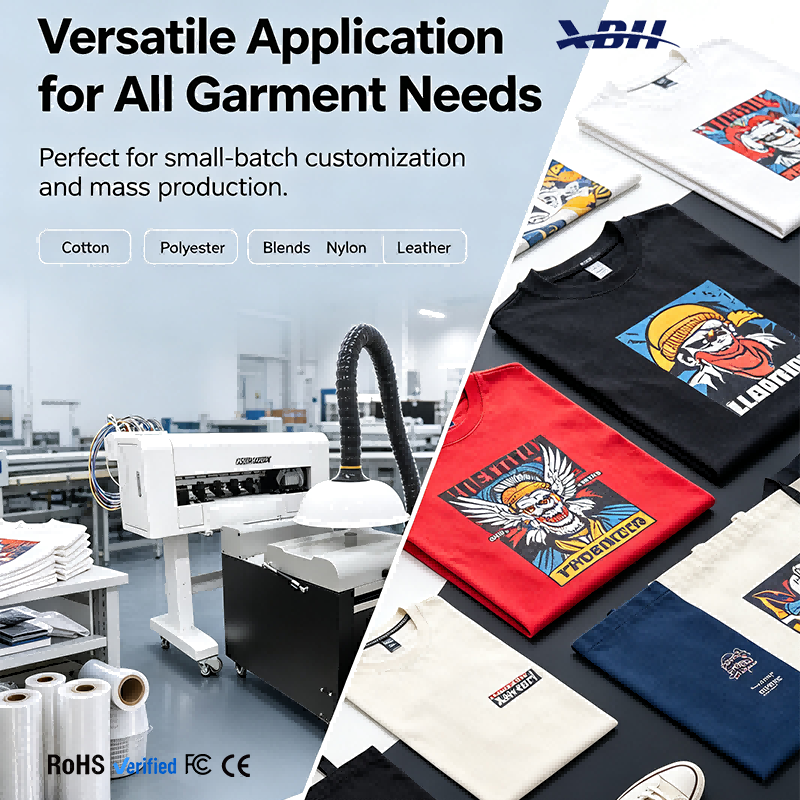
| Applicable Materials | Cotton, polyester, nylon, blended fabric, leather, canvas, sportswear & apparel |
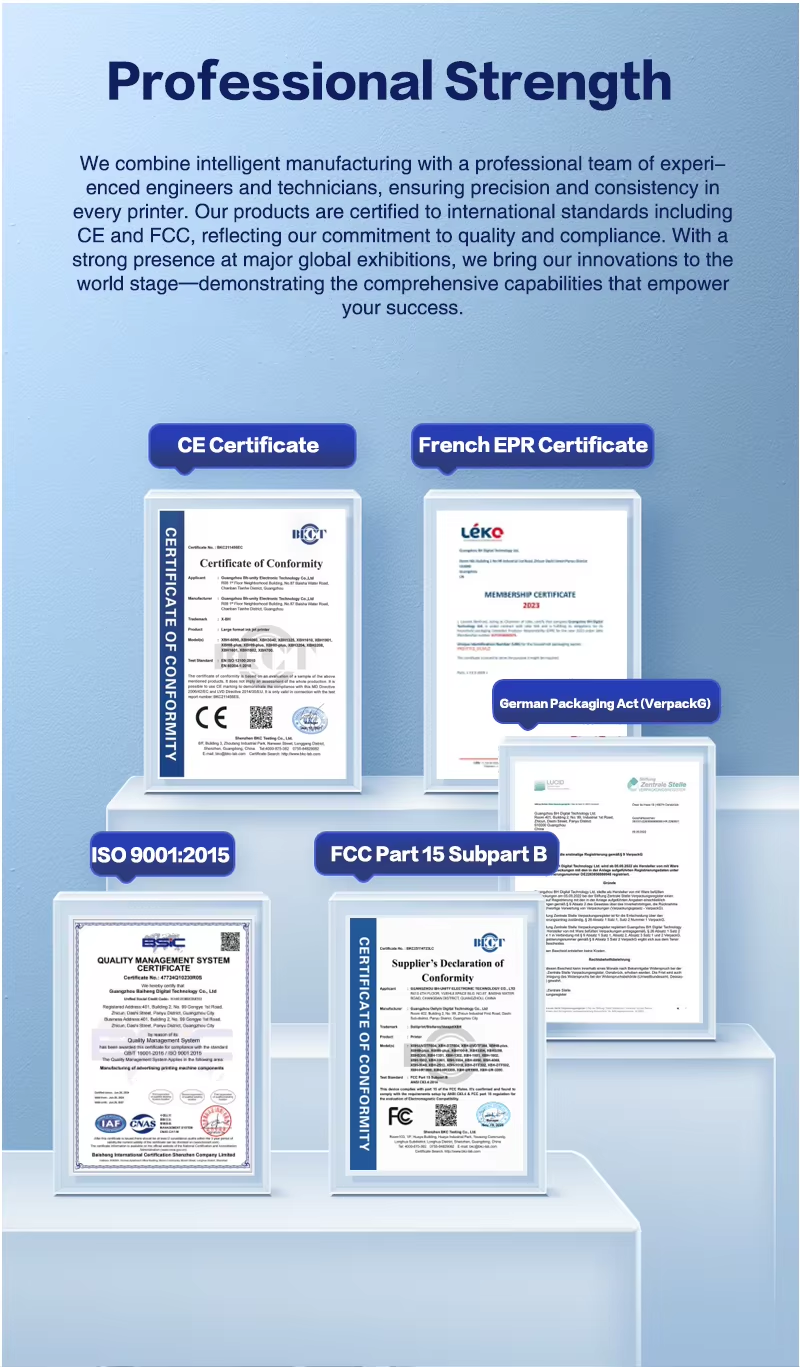
| Certifications | CE, FCC, RoHS |
| Warranty | 1 year main machine warranty (excluding printheads & consumables) |
| Application | Custom T-shirts, hoodies, sportswear, hats, bags, gift apparel, textile decoration |

Q: Do I need any printing experience to run this machine?A: None at all. The process is straightforward and digital from start to finish. You don't need to know how to mix inks, set up screens, calibrate press settings by feel or do any of the technical stuff that comes with traditional printing. If you're comfortable using a computer and can follow step-by-step instructions, you can learn to run this system. Plenty of people start with zero experience and are producing good quality work within their first week.
Q: How hard is the software to learn?A: The print software is designed to be user-friendly. You work with standard image files — PNGs, JPEGs and other common formats — and the RIP software handles the technical side of things like color processing and white underbase generation automatically. You don't need to be a graphic designer or a color scientist. The basics — importing a file, sizing it, sending it to print — most people pick up in an afternoon. The more advanced features you can learn as you go.
Q: What does the daily operation look like?A: A typical day goes like this: turn on the printer and let it warm up, do a quick nozzle check to make sure everything is printing clean, load your design file, set the job up in the software, hit print, collect the finished transfers, then press them onto garments. The printer and shaker do most of the work automatically. Your job is setup, monitoring and collecting finished work. It's not complicated, and the routine becomes second nature pretty quickly.
Q: What kind of maintenance does the machine need?A: Daily maintenance is simple and quick. You do a nozzle check to make sure all nozzles are firing properly, you keep the capping station clean, and you make sure the waste ink area is emptied when needed. Most of this takes just a few minutes at the start or end of the day. More thorough maintenance — like deep cleaning the printhead or lubricating moving parts — happens less frequently, maybe weekly or monthly depending on usage. We provide a clear maintenance schedule and walk you through all of it.
Q: How long does it take to get good results?A: Most people are printing decent transfers on day one, and producing consistently good quality within the first week or two. There's a learning curve, but it's not a steep one. The first day or two you're getting familiar with the software, the machine controls and the press settings. By the end of the first week, most operators are comfortable enough to take real customer orders. The learning process is fast because you get instant feedback — you print something, you see the result, you adjust, you try again.
Q: What if something goes wrong — can I fix it myself?A: Most common issues are simple to resolve. Nozzle dropouts, for example, are fixed by running a cleaning cycle. Film feeding issues are usually resolved by checking the roll alignment. We provide troubleshooting guides for all the common problems, and our support team is available to help with anything you can't figure out on your own. You don't need to be a technician to handle the day-to-day stuff. For more serious issues, we have technical support to walk you through solutions.
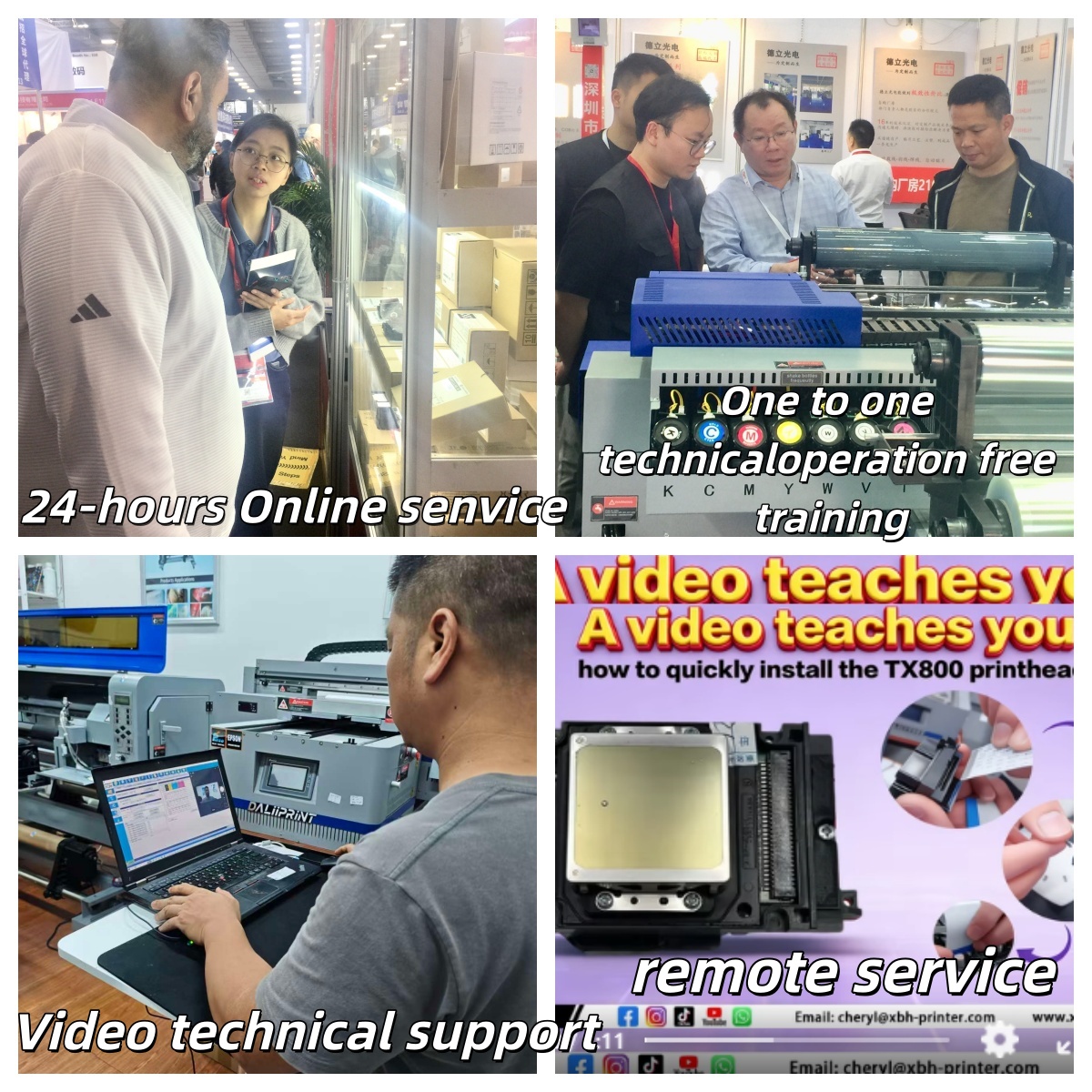
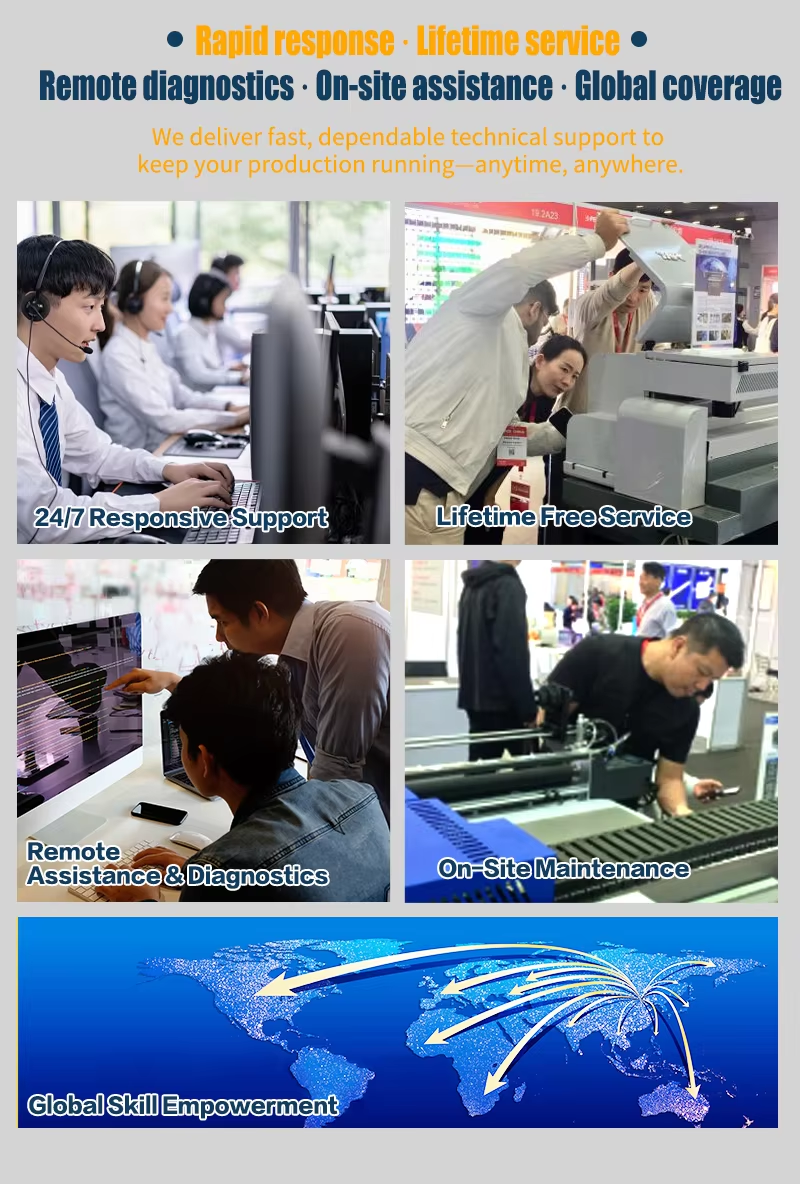
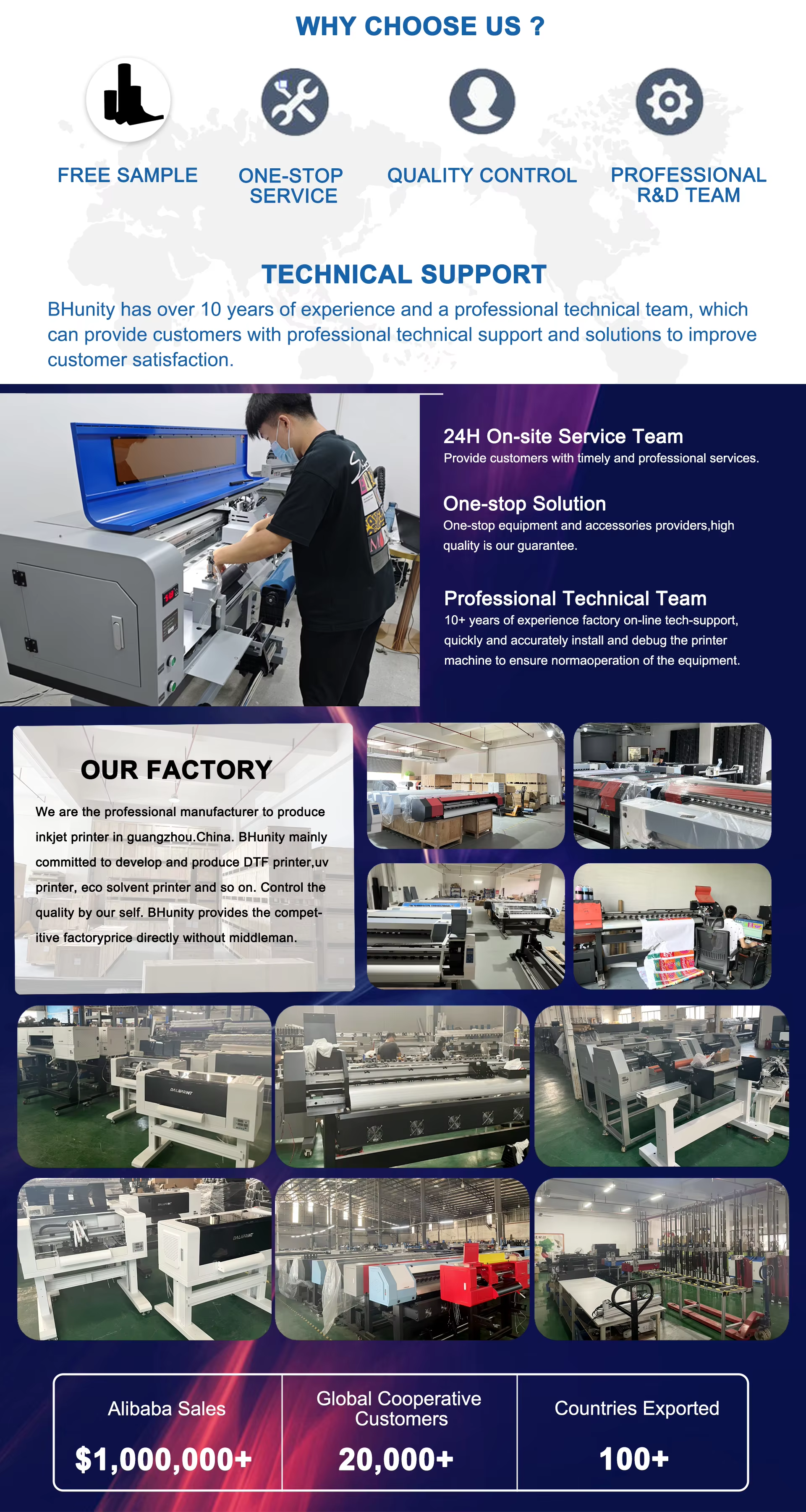
Q: What kind of training and support come with the machine?A: We provide full setup assistance, operator training and ongoing technical support. We walk you through unboxing, assembly, filling ink, software installation, your first test print, maintenance procedures and everything else you need to know. Training can be done remotely and at your own pace. After you're up and running, you have access to support for any questions or issues that come up. You're not just buying a machine and figuring it out alone — you have backup whenever you need it.